

Like Button
Let readers like an article with one tap, show a live count, and learn which content your audience values.
Introduction
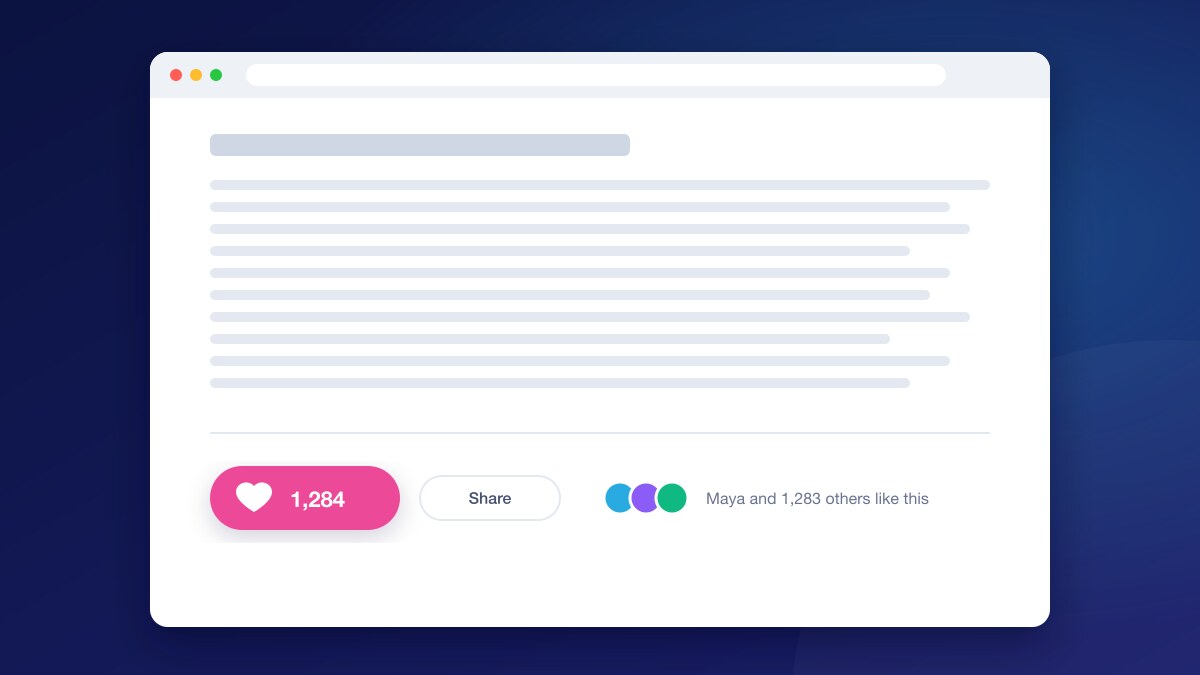
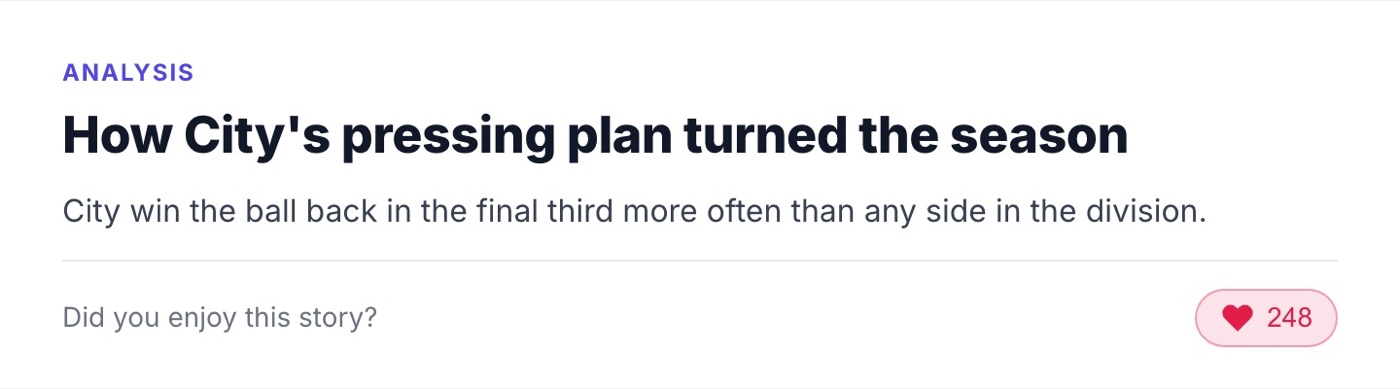
The Like Button adds a heart and a live like count to your articles. Readers show appreciation with one tap.
Likes give readers a light way to take part and give you a signal of which stories resonate, beyond pageviews.
Features
- 1Live Count
- The number of likes is shown next to the button and updates as readers tap.
- 2Remembers Each Reader
- Logged-in readers see whether they already liked a story, on any device.
- 3Sign-Up Invitation
- Readers who are not logged in are invited to sign up, turning a small action into a registration.
- 4Your Brand Colour
- Set the colour of the button so it matches your site.
Use cases
- Add a simple engagement action to every article.
- See which stories readers value, not just which they open.
- Give anonymous readers a small reason to register.
How it works
Add a container where the button should appear. The rest is handled by the UniSignIn tag.
Screenshots
Related experiences
Page Takeover
A full-page message for the moments that deserve a reader’s full attention, from big announcements to welcome offers.
Modal Box
A pop-up message over the page for offers, announcements and questions, styled and targeted to the right readers.
Sidebar
A slide-in panel at the top, bottom or side of the page, for messages that should be seen without interrupting reading.
Own your audience data, grow your revenue
The complete first-party data solution built specifically for publishers who want independence from third-party cookies
Privacy-First Login
Build reader trust with transparent, compliant authentication
Actionable Insights
Transform reader behavior into targeted content strategies
Seamless Integration
Live in days, not months, with your existing CMS
Proven Results
40% higher ad rates and 35% growth in subscriber conversion
Trusted by leading publishers to reclaim audience relationships and maximize monetization opportunities.
Stay ahead in first-party data
Identity, consent, audience, and subscription insights for publishers. A few emails a month, no spam.