

Email marketing
Newsletters and campaigns from the data you already have
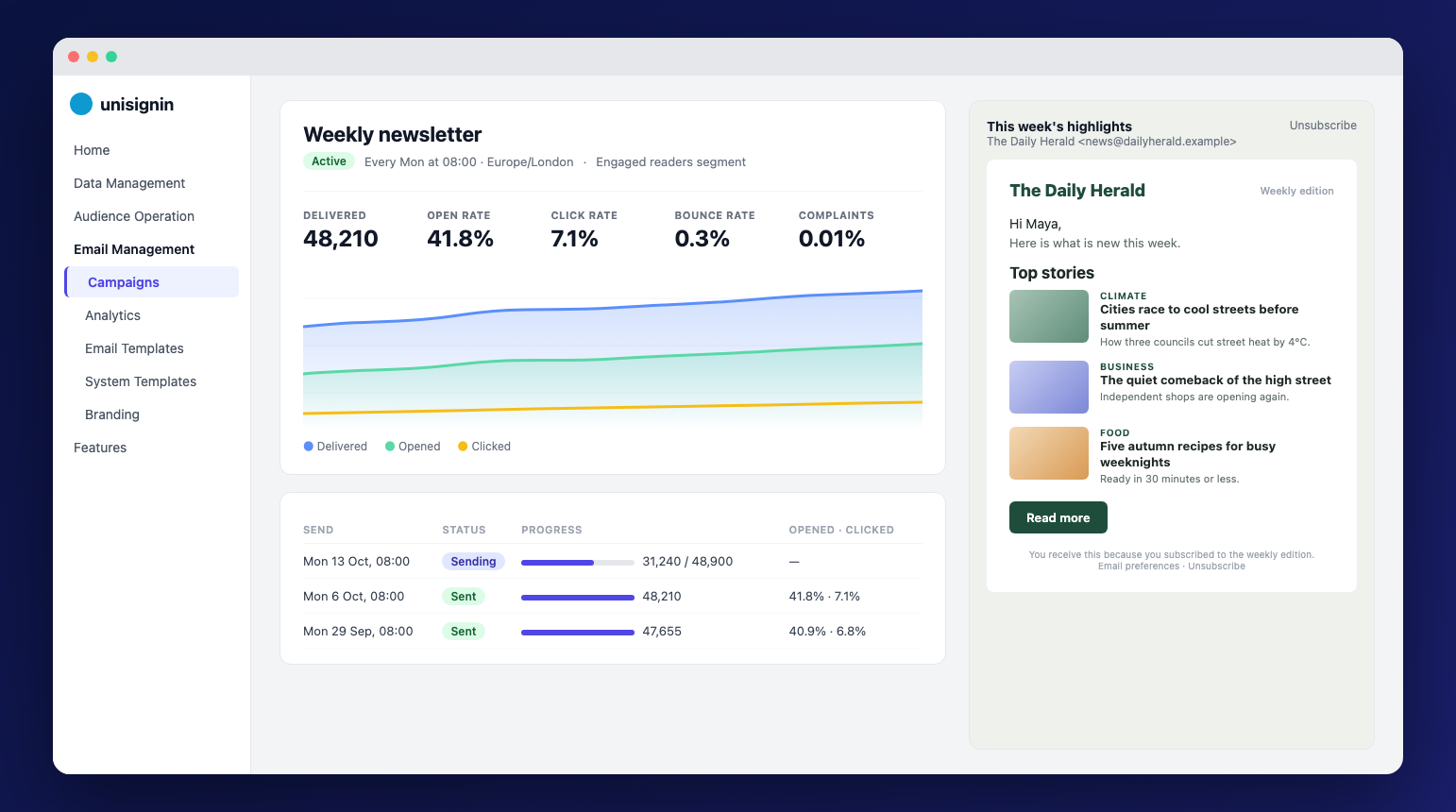
Design emails in a block editor, send them to all your subscribers or a segment, now or on a schedule, and see what readers open and click. Every email uses the same reader profiles as the rest of UniSignIn.
Built on your reader profiles
Send to any segment, and personalise every email with profile data read at send time.
Newsletters that write themselves
Fill emails from your content lists, so each send carries your latest articles.
Consent first
Campaigns only reach readers who said yes, and one-click unsubscribe works in every inbox.
Your own domain and provider
Send from your domain through SMTP, Amazon SES or Mailgun, with a sender per brand.
Design emails without code
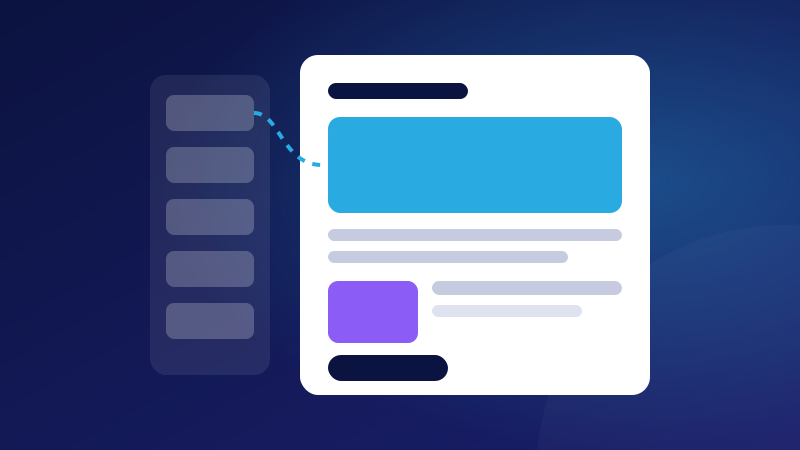
Build emails from blocks, start from a ready-made newsletter, announcement or offer, and preview them as each reader will see them.
- Headers, heroes, text, buttons, images, coupons and article lists
- Merge fields with fallbacks, and blocks shown only to some readers
- Your logo, colours and footer for each brand
- Checks for missing values, links and unsubscribe links before you save
Send once or on a schedule
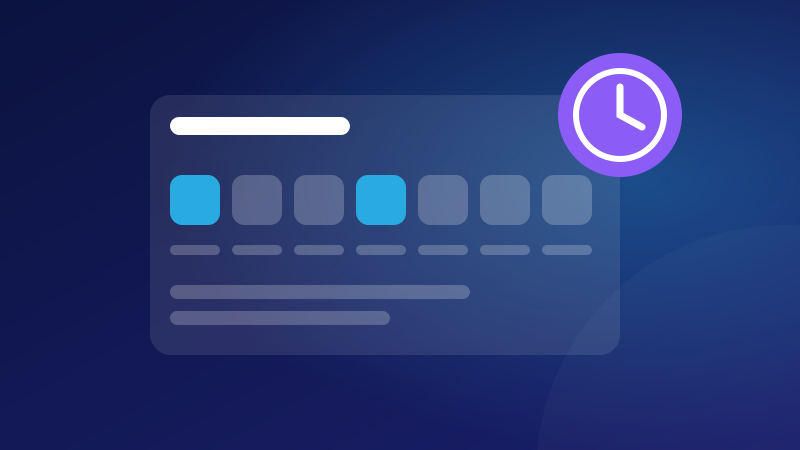
Send a campaign now, at a set time, or every day, week or month, in the timezone you choose.
- All subscribers of a site, or any segment
- Weekly on chosen days, or monthly on a date or a weekday
- Skip a send when there are no new articles
- Pause, resume or cancel at any time
See what works
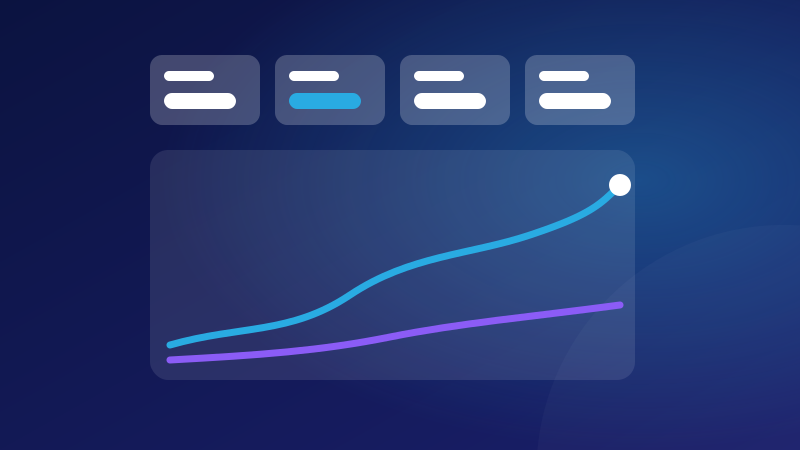
Follow every send as it happens, and compare campaigns, templates and system emails over time.
- Delivered, open, click, bounce and complaint rates
- Change against the previous period
- Top campaigns and templates, and results per site
- Opens and clicks added to reader profiles for targeting
Land in the inbox
UniSignIn looks after your sender reputation, so your emails keep reaching readers.
- SPF and DMARC checks for every sending domain
- Bounces and spam complaints suppressed automatically
- Campaigns pause themselves when too many emails bounce
- One-click unsubscribe for Gmail, Yahoo and other inboxes
Questions
Do we still need a separate email service?+
Not for sending. Connect your own SMTP, Amazon SES or Mailgun account so emails come from your domain, or use the built-in sending to get started.
Who receives a campaign?+
Only readers who said yes to marketing emails for that site, through the consent field you choose. Addresses that bounced, complained or unsubscribed are skipped.
Can we send a newsletter automatically every week?+
Yes. Schedule the campaign for chosen weekdays and a time. It reads your content lists at each send, and can skip weeks without new articles.
Are welcome and sign-in emails included?+
Yes. System emails such as welcome, passcode and invoice emails use the same editor, branding, domains and analytics.
Can each of our brands send from its own domain?+
Yes. Each site can have its own sender and tracking domain, and its own Mailgun domain when you use Mailgun.
Related use cases
Documentation
Try it on one of your sites
Create an account and add the tag, or ask us to walk you through it.
Stay ahead in first-party data
Identity, consent, audience, and subscription insights for publishers. A few emails a month, no spam.