

Single sign-on
One reader account for all your sites
Readers sign up once and stay logged in across every site you run. You choose how they log in, and every account builds the same first-party profile.
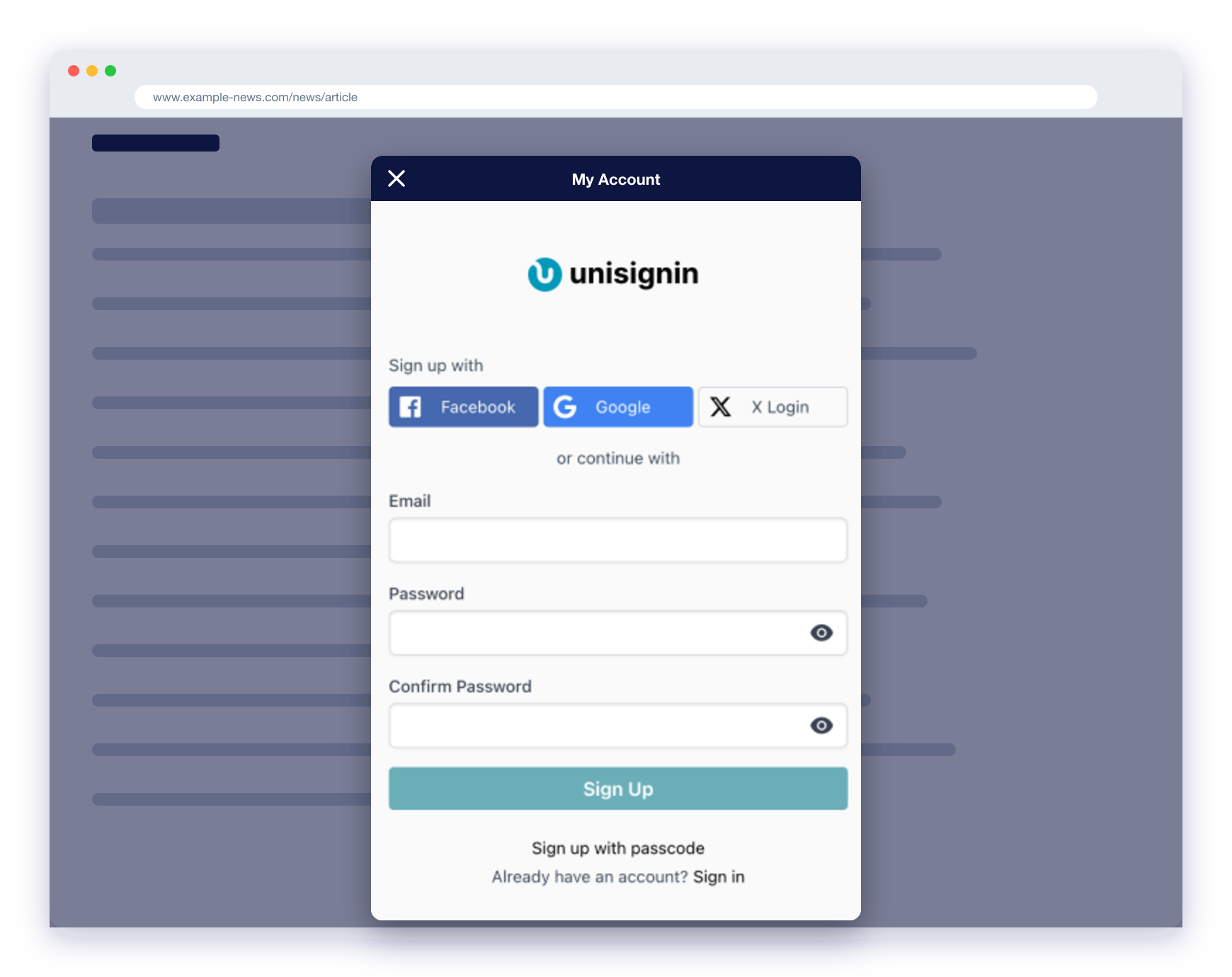
Email and passcode
Readers can sign up with a password or log in with a one-time passcode sent to their email.
Social login
Offer Google, Facebook, Apple, Microsoft and X login alongside email.
Your own login system
Connect an existing login to UniSignIn so readers are not asked to sign in twice.
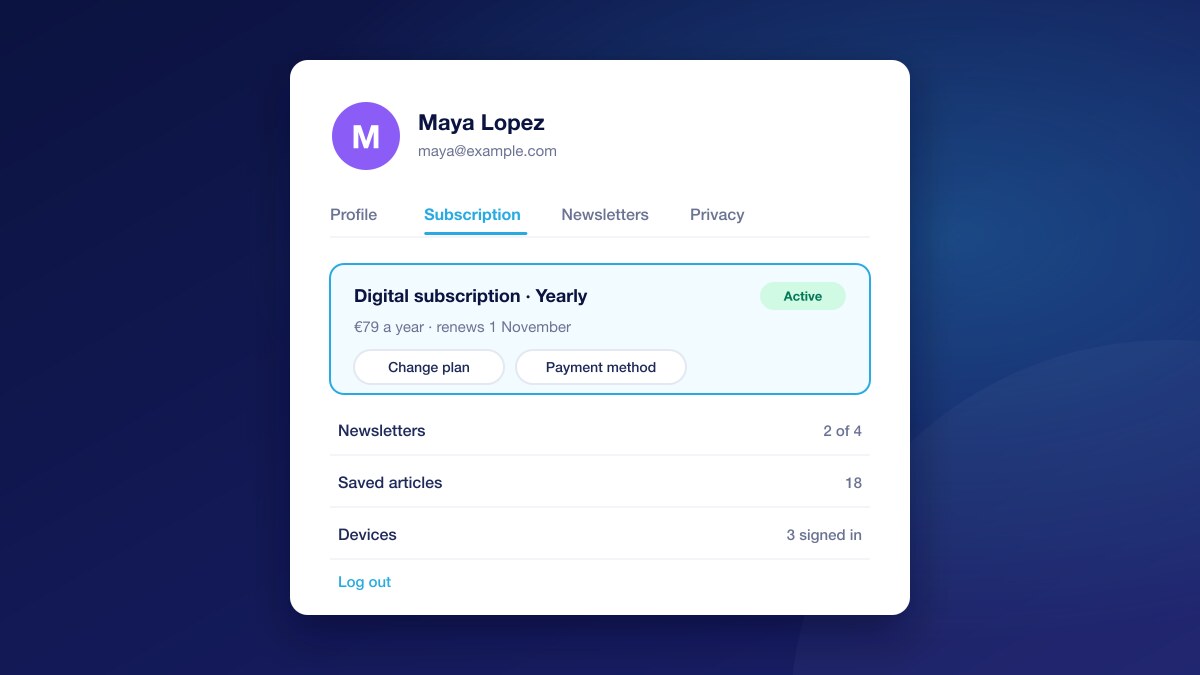
Hosted account page
Readers manage their profile and subscription from an account page in your brand.
Registration that fits your site
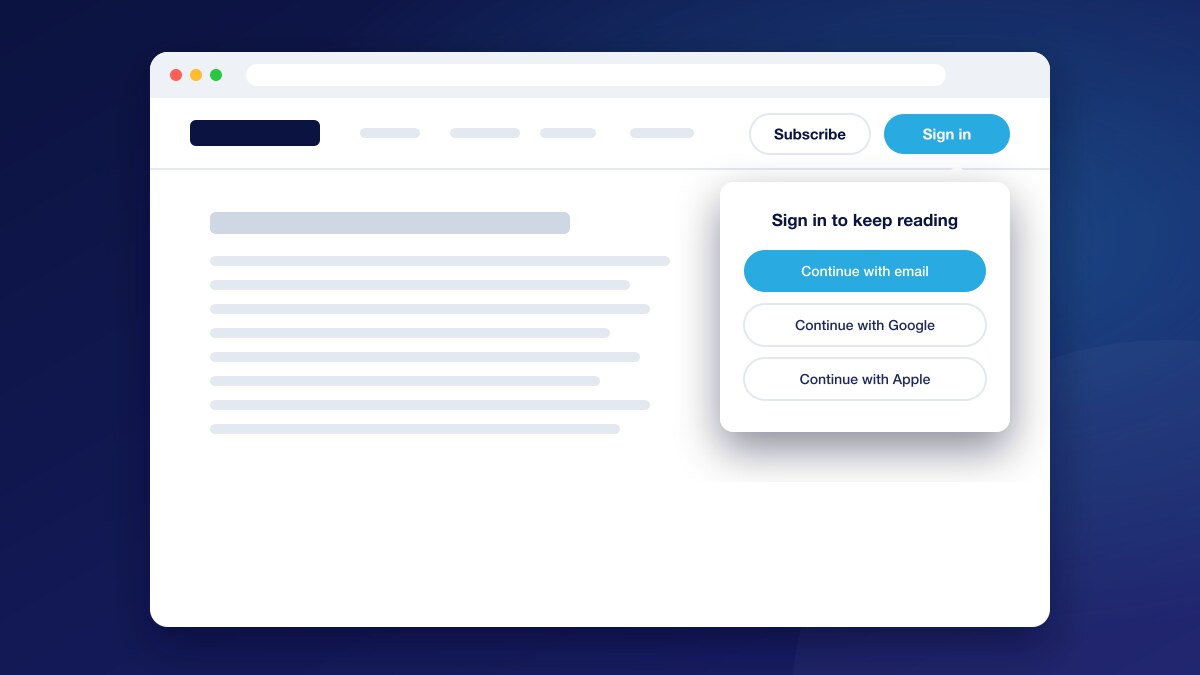
The sign-up and login forms appear as a page or a pop-up on your site, styled to match it.
- Choose which login options readers see
- Ask for the profile fields you need at sign-up
- Customise the emails readers receive
Shared identity across your network
A reader who logs in on one of your sites is recognised on the others, and their reading on each site adds to the same profile.
- One user base for all your brands
- Sign-up, login or My Account buttons that follow the reader’s login state
Works with the systems you already run
If you already have user accounts, you can keep them and connect them to UniSignIn in either direction.
- Push logged-in users from your system into UniSignIn
- Read the UniSignIn login from your own application
- Use UniSignIn as an OAuth 2.0 server for your apps
Questions
Which social login providers are supported?+
Google, Facebook, Apple, Microsoft and X (Twitter). You can turn each one on or off.
Why offer social login?+
It removes the password step, and the email address comes already verified by the provider, so you get a real address rather than a throwaway one.
Can readers log in without a password?+
Yes. Readers can ask for a one-time passcode by email and use it to sign up or log in.
We already have a login system. Do we have to replace it?+
No. UniSignIn SSO can take identities from your system or pass its own login to your application, so readers only sign in once.
Documentation
Try it on one of your sites
Create an account and add the tag, or ask us to walk you through it.
Stay ahead in first-party data
Identity, consent, audience, and subscription insights for publishers. A few emails a month, no spam.