

Journeys
Take every reader through the right steps at the right time
Journeys follow what readers do and respond step by step: an email two days after signing up, an offer a week after cancelling, a newsletter box when a regular reader scrolls halfway down an article.
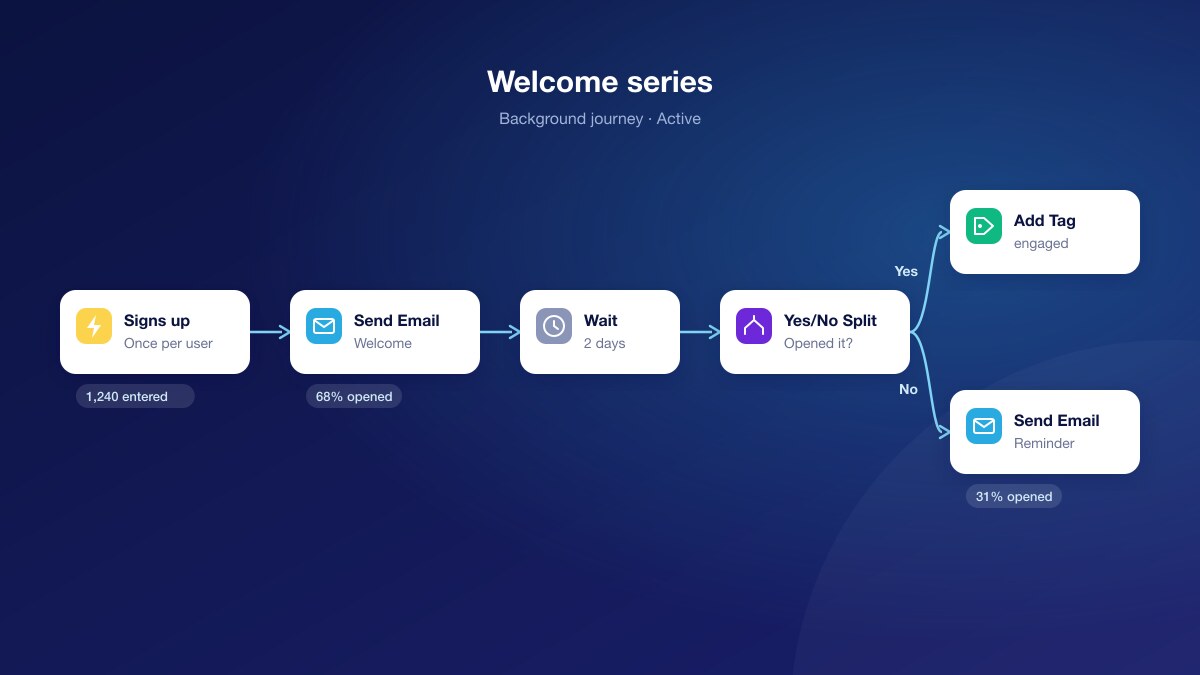
Over days, in the background
Send emails, wait, update profiles, add tags, put notifications in the reader’s bell and tell your other systems.
In the moment, on the page
Show an experience when a visitor scrolls, stays, is about to leave or reads their third article of the week.
A/B tests built in
Split readers at random between two emails or two experiences, and see the results on each path.
Welcome, nurture and win back
Background journeys start when a reader signs up, subscribes, cancels, opens an email or does anything your site tracks, or on a weekly schedule for a segment.
- A welcome series that follows up only with readers who did not open the first email
- A come back offer a week after a cancellation, unless the reader resubscribed
- Profile updates and tags that feed your segments
Catch readers at the right moment
On-page journeys work for every visitor, anonymous or logged in. Check the page, the visitor’s reading history, their subscription and their segments, then show the experience that fits.
- A newsletter box for regular readers of one section, on scroll
- The paywall from the third article of the week
- A different message for readers who are about to leave
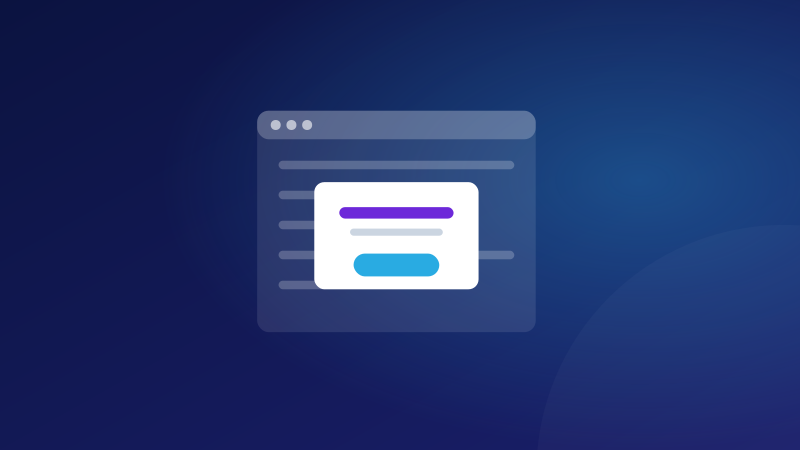
Built visually, measured on every step
Add steps and splits in a visual builder that checks your journey before it goes live. Each step shows how many readers reached it, and emails show opens and clicks.
- Yes/No splits on email opens, profile fields, segments and the page
- Draft, publish, pause and archive, with every published version kept
- Readers part-way through finish on the version they started
Questions
What is the difference between Journeys and Orchestration?+
Orchestration decides which experience a reader sees on a page. Journeys add time and steps: they react to what a reader does, wait, check, and continue, by email and on the page.
Which emails can a journey send?+
Any of your email templates. Readers who have not agreed to marketing email, or who unsubscribed, are skipped.
Can a journey connect to my CRM?+
Yes. A webhook step sends the reader to any endpoint you set up under Connect, with its authentication.
Do on-page journeys work for anonymous visitors?+
Yes. They can use the page, the device and the visitor’s reading history for everyone, and profile details for readers who are logged in.
Try it on one of your sites
Create an account and add the tag, or ask us to walk you through it.
Stay ahead in first-party data
Identity, consent, audience, and subscription insights for publishers. A few emails a month, no spam.