

UniSignIn Experience Modules
Ready-made experiences for publisher websites: sign-up walls, paywalls, newsletter prompts, polls, quizzes, comments and more, targeted by segment.
Earn more from your audience: see the experiences that carry high-engagement advertising and sponsorship on the Monetization page.
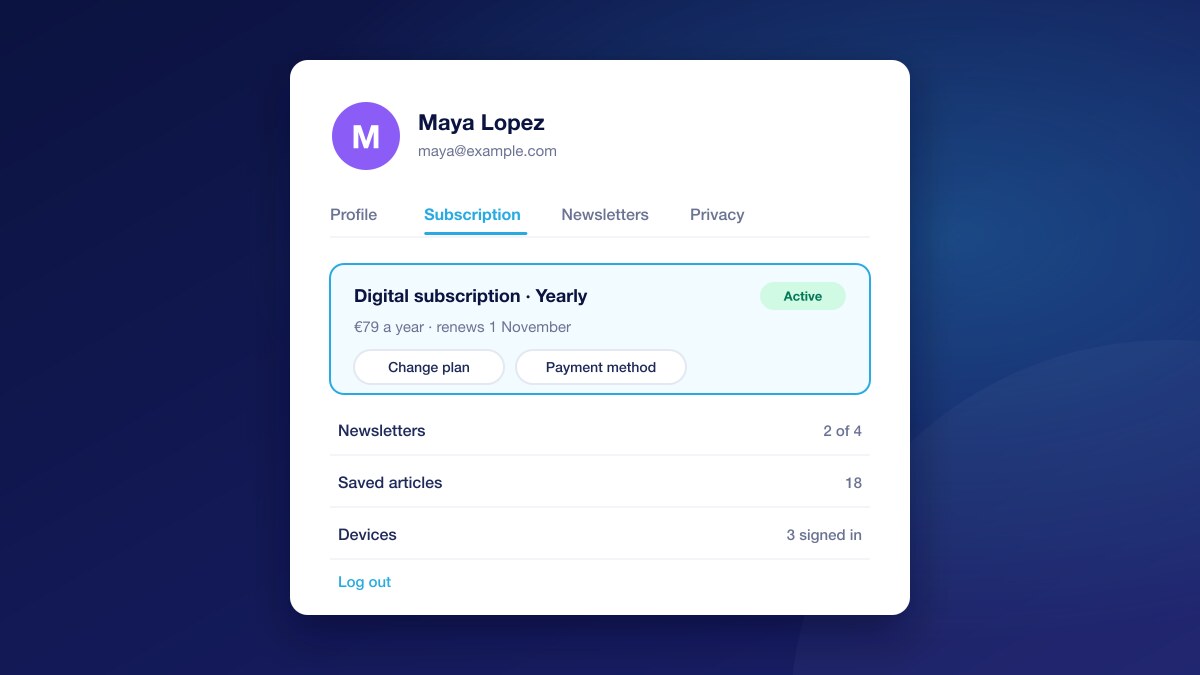
User Account Center
A ready-made sign-up, login and account area for your readers, styled to your brand and shared across all your sites.
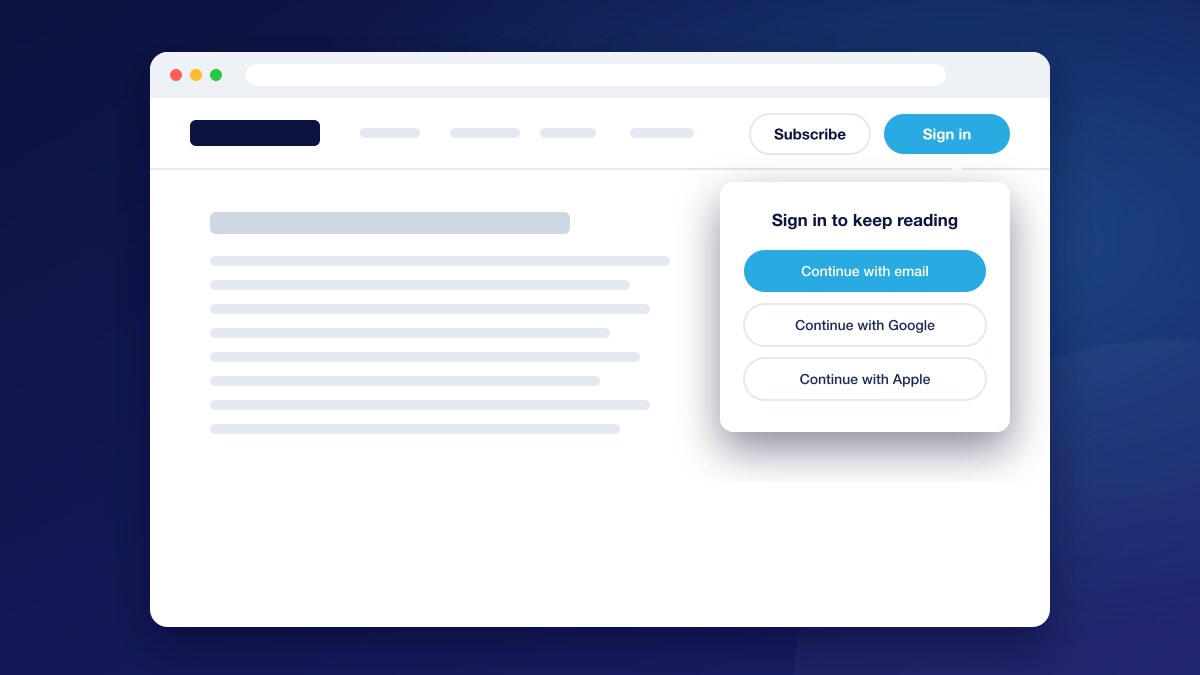
Signin Button
Show Sign Up, Login or My Account on every page, automatically matched to whether the reader is logged in.
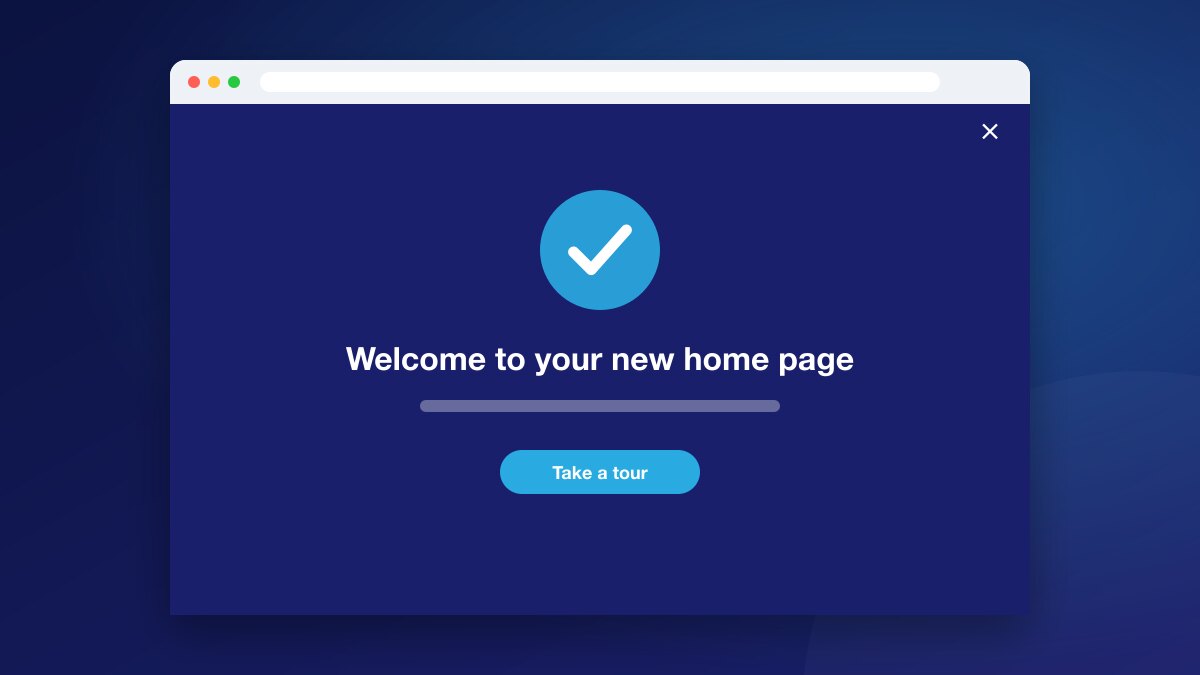
Page Takeover
A full-page message for the moments that deserve a reader’s full attention, from big announcements to welcome offers.
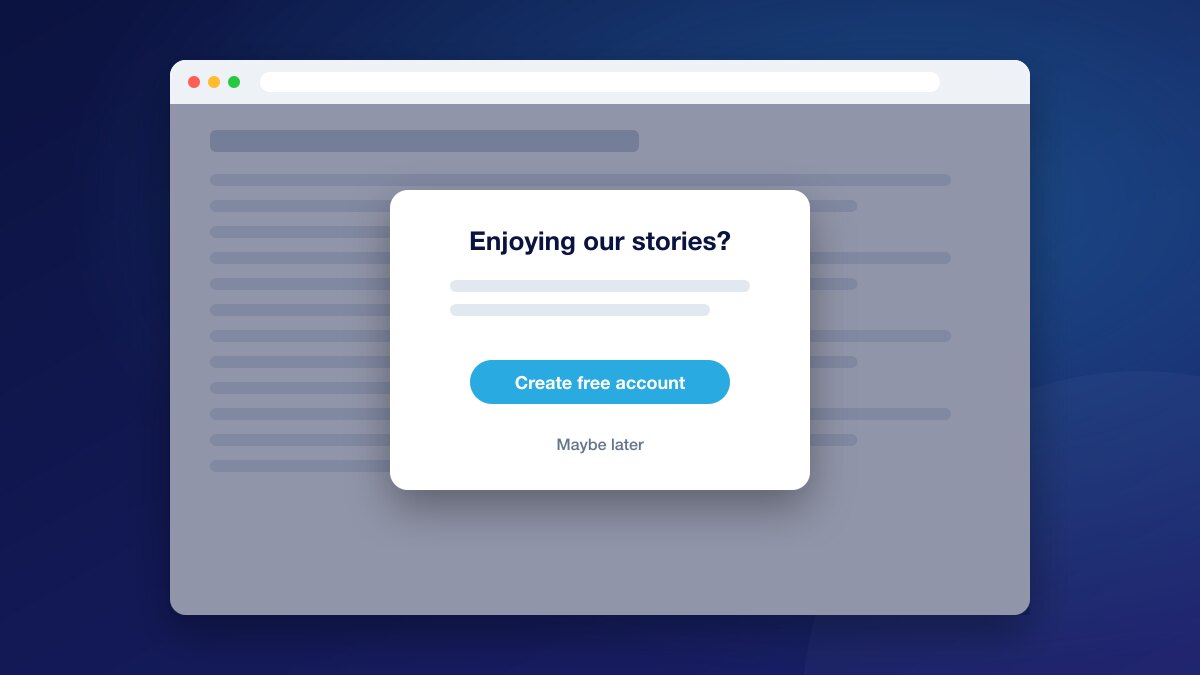
Modal Box
A pop-up message over the page for offers, announcements and questions, styled and targeted to the right readers.
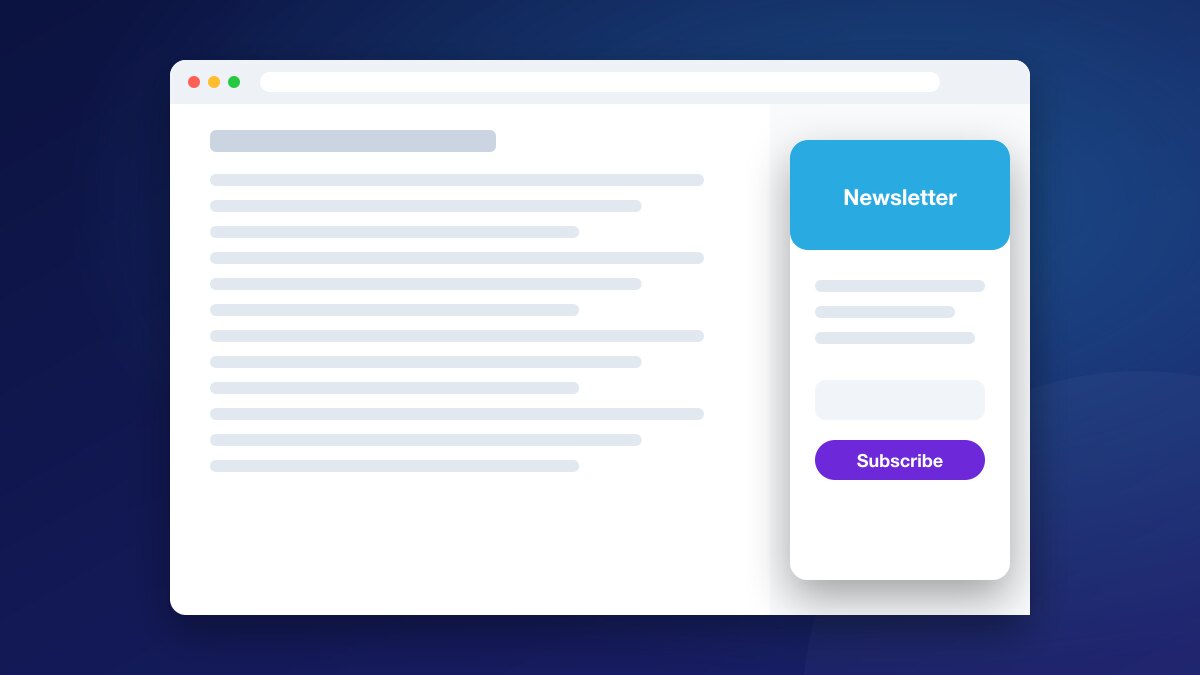
Sidebar
A slide-in panel at the top, bottom or side of the page, for messages that should be seen without interrupting reading.
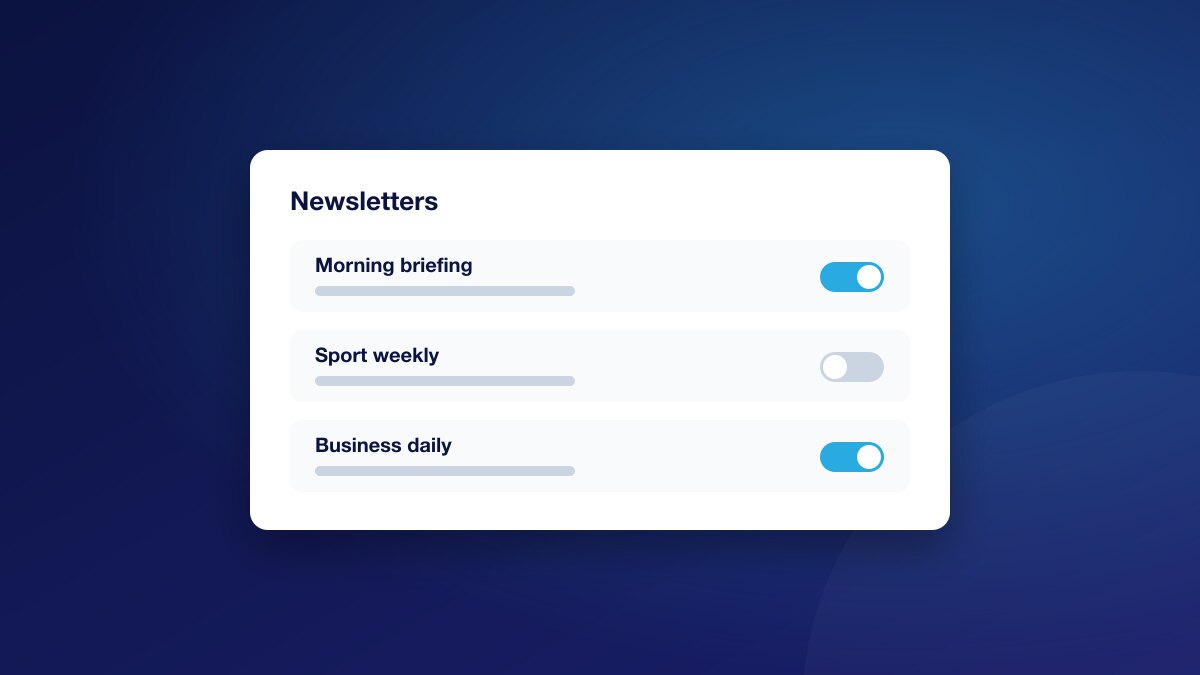
Toggle Switch
Let readers turn a preference on or off with one tap, and save the answer to their profile.
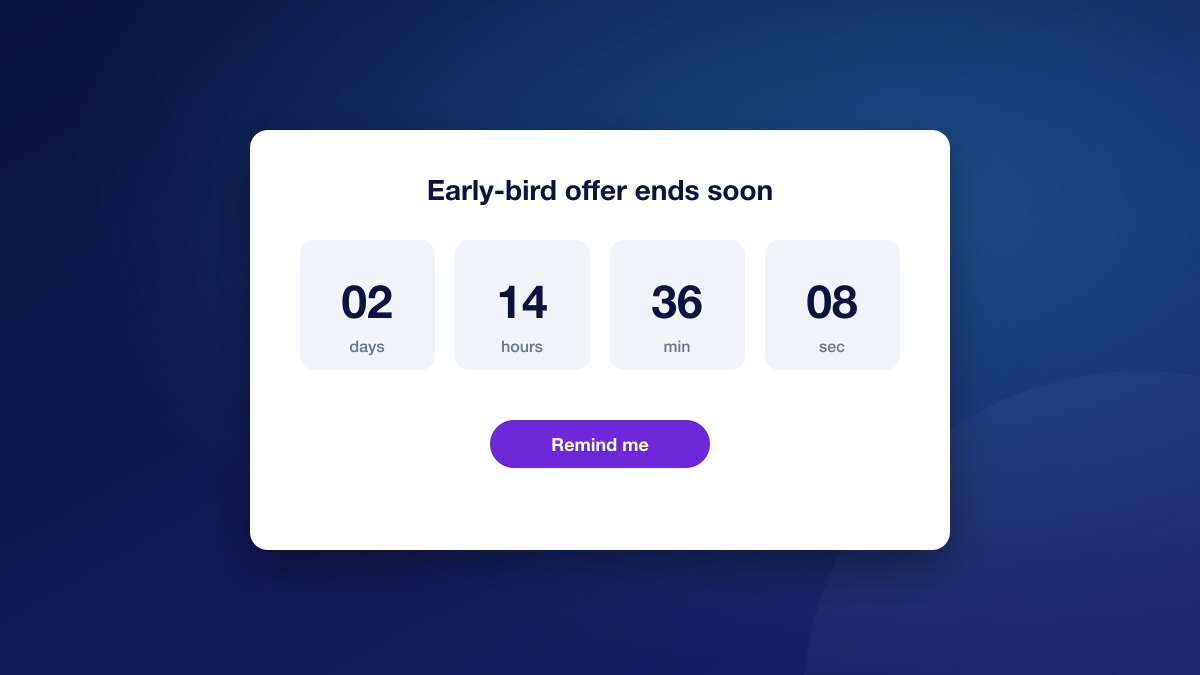
Countdown Timer
Count down to a match, launch or live event, and let readers set a reminder so they come back when it starts.
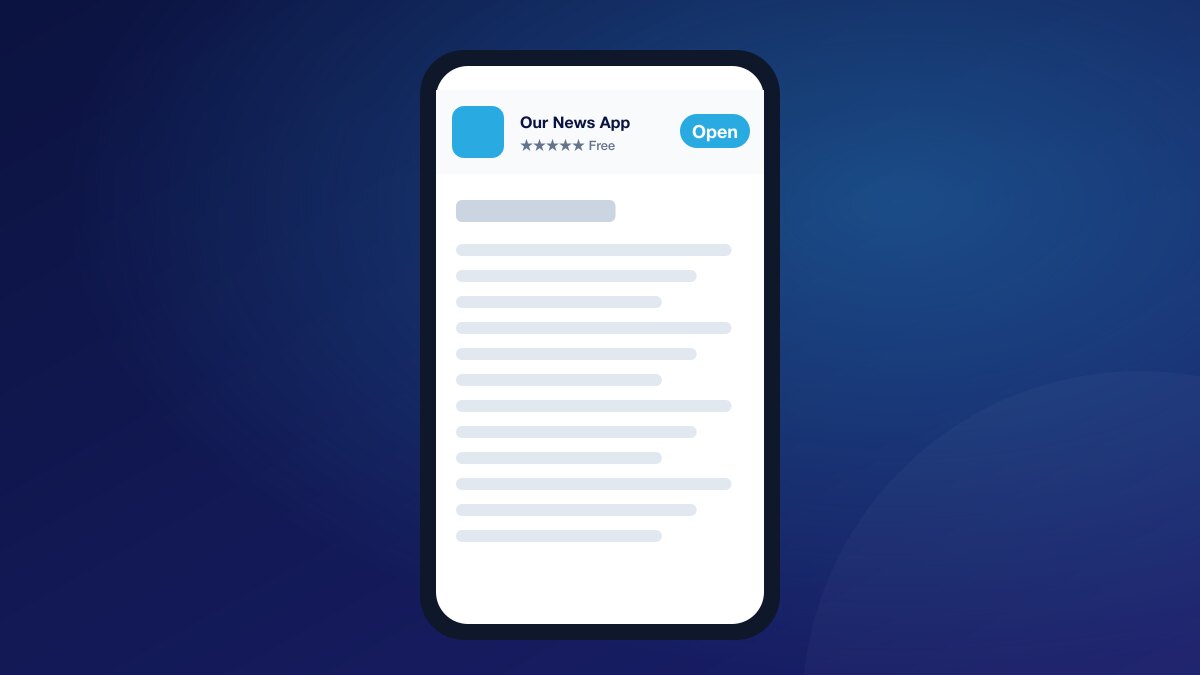
Mobile Smart Banner
A slim banner that invites mobile readers to open or download your app from the App Store or Google Play.
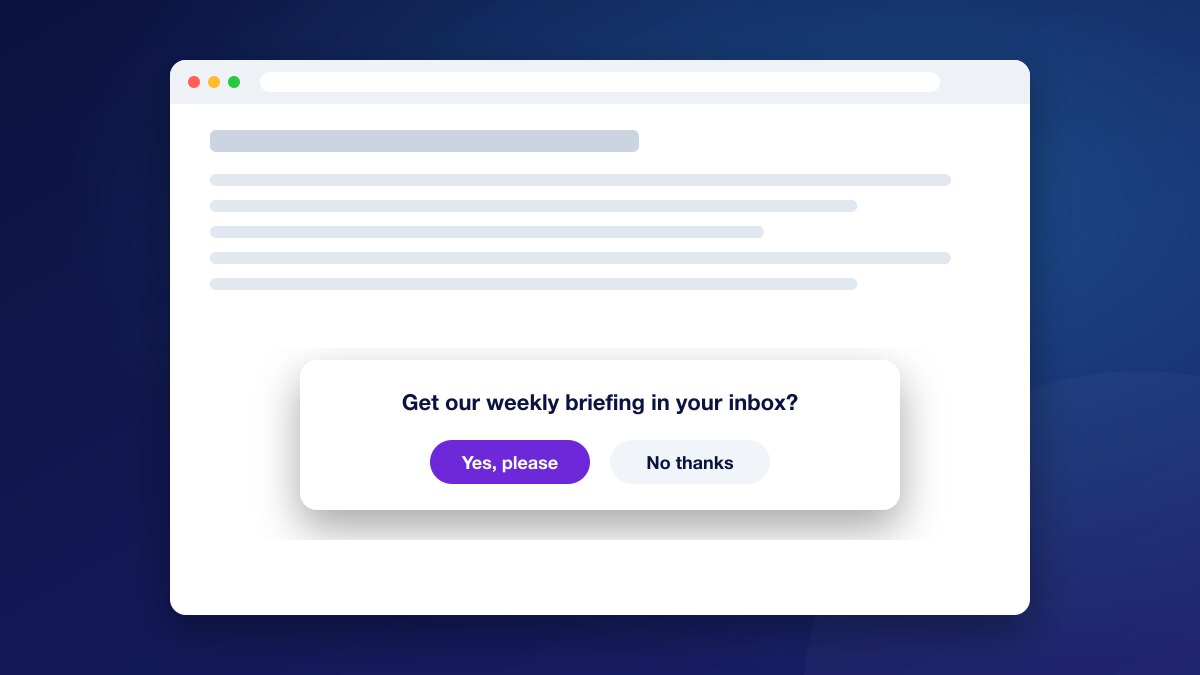
Confirm Button
Ask readers a clear yes-or-no question inside the page and save their answer to their profile.
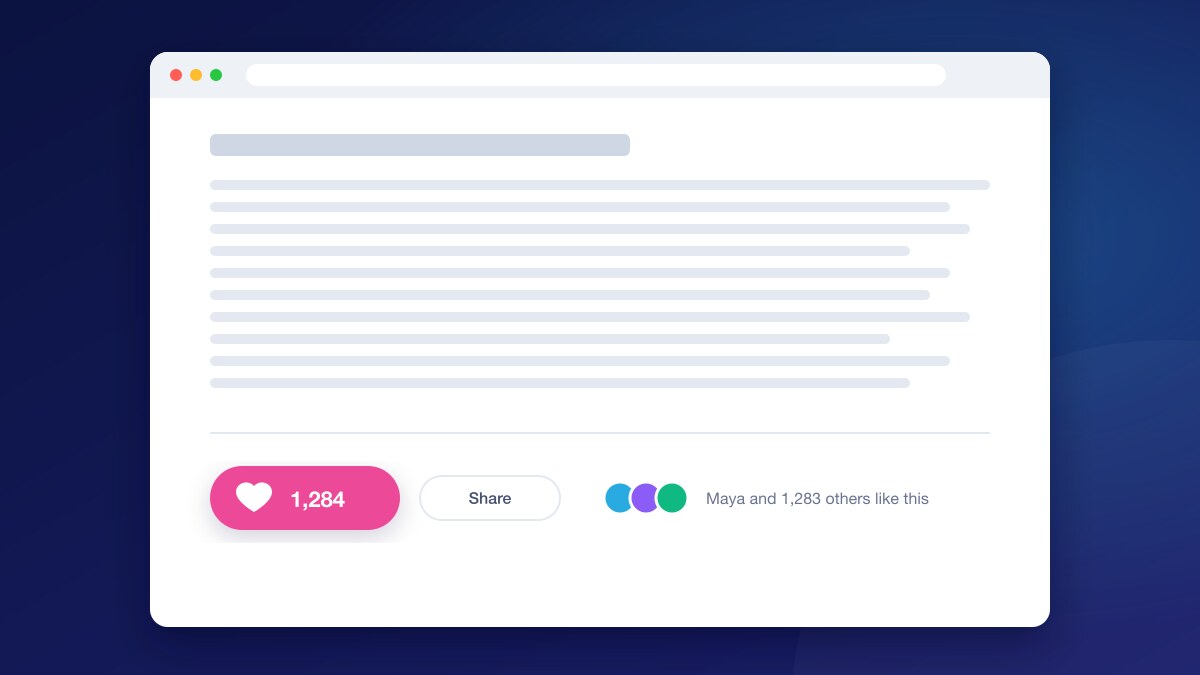
Like Button
Let readers like an article with one tap, show a live count, and learn which content your audience values.
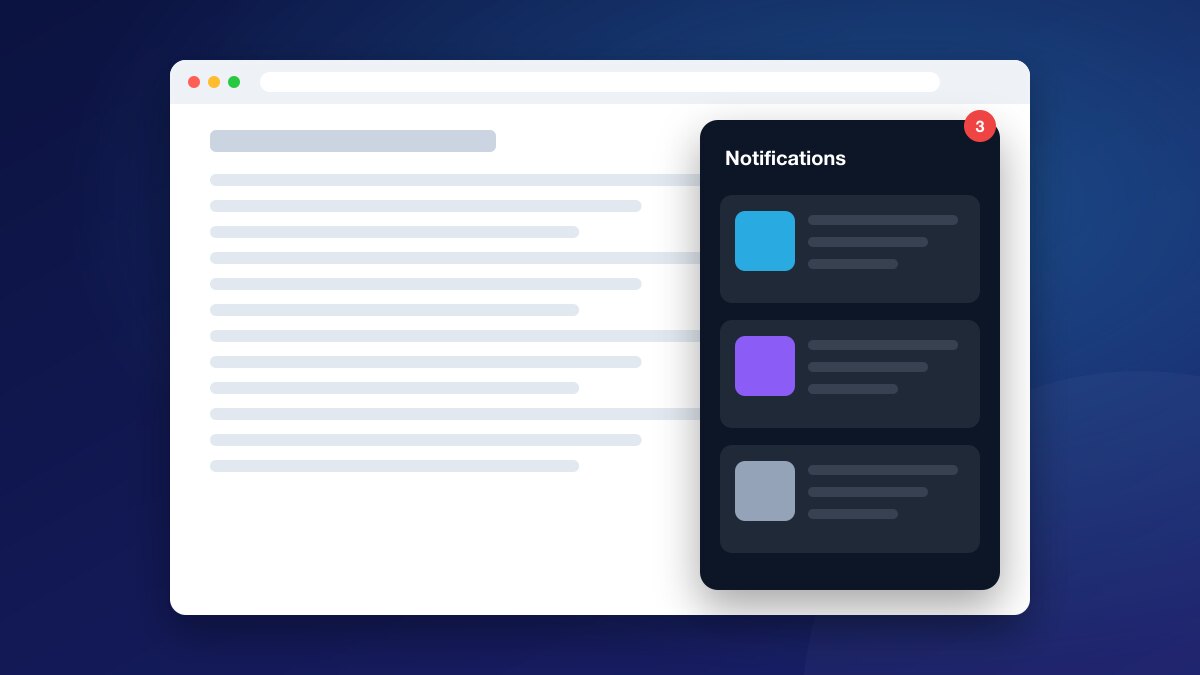
Notification
An on-site bell with an unread count, for announcements, messages to one reader and automatic updates such as comment replies.
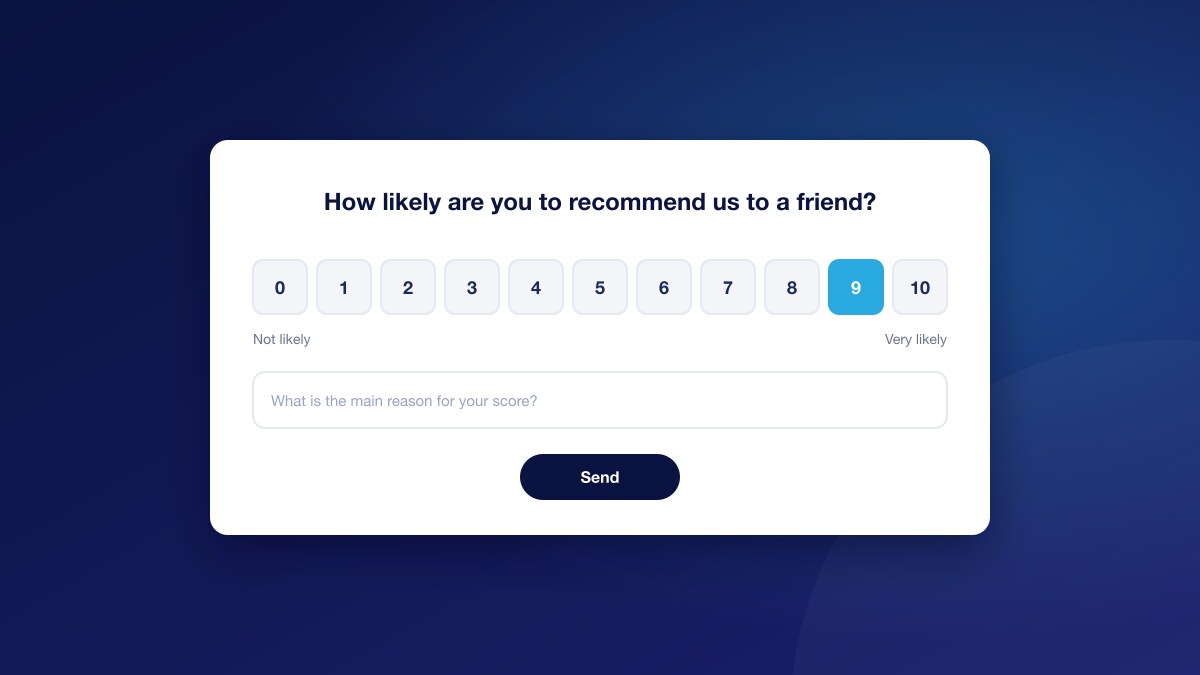
NPS
Measure how likely readers are to recommend you, with a score from 1 to 10 and an optional comment.
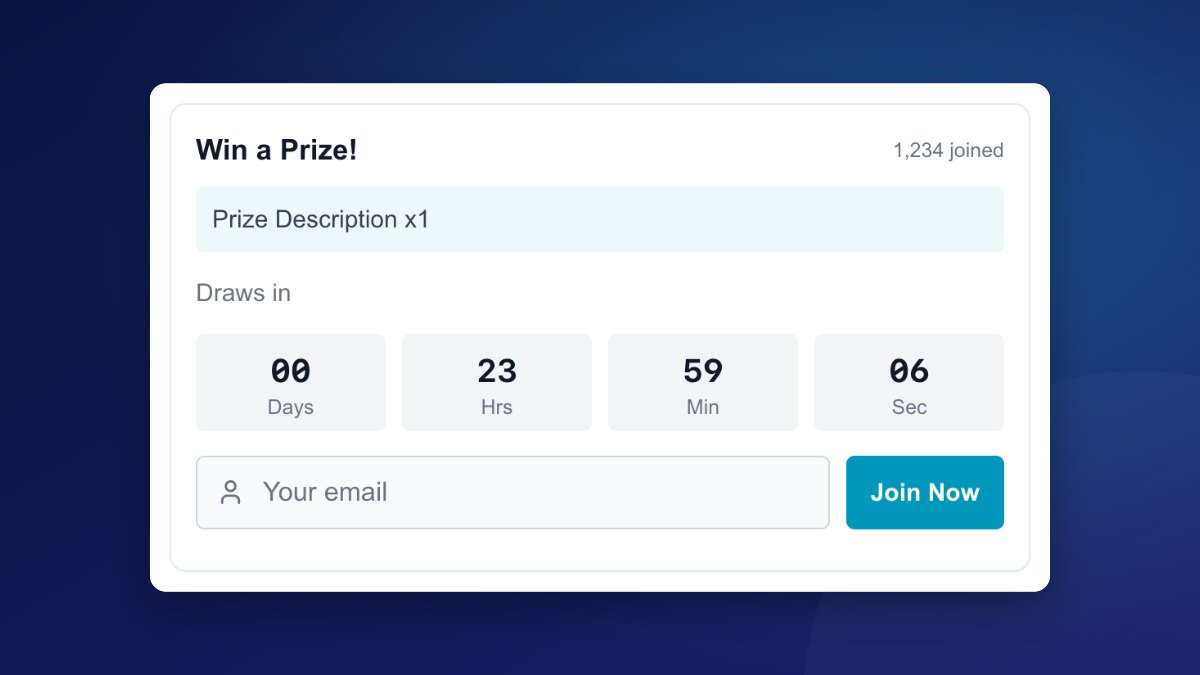
Competition
Run on-page giveaways with a live countdown and a simple entry flow that brings readers back and turns entrants into members.
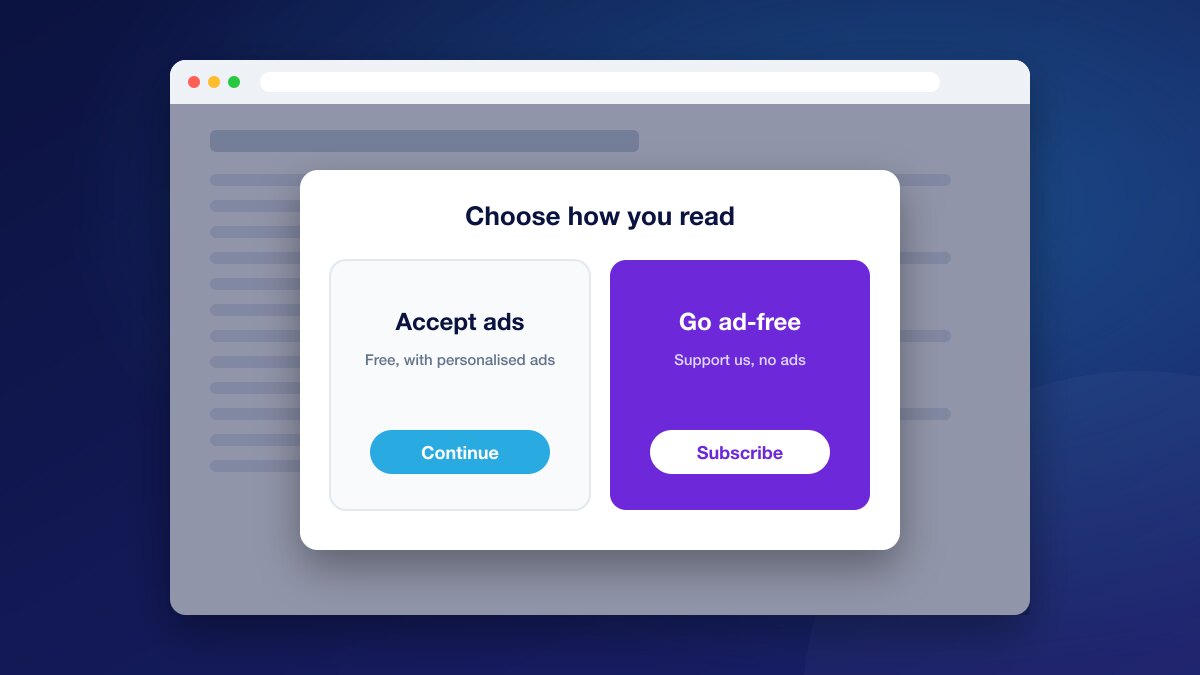
Ad-Free and Consent or Pay
Give readers a fair choice: accept personalised ads or pay for an ad-free experience, and earn revenue from both.
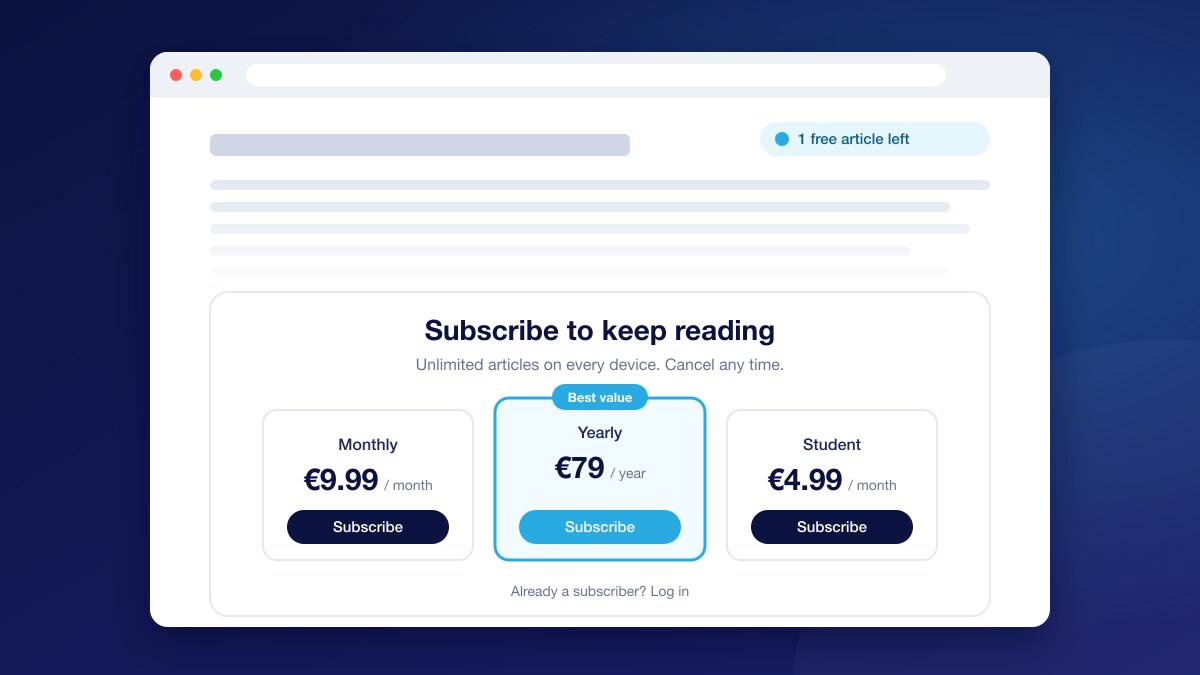
Access Wall
Ask readers to sign up or subscribe to keep reading, with sign-up walls, paywalls and metered walls in one experience.
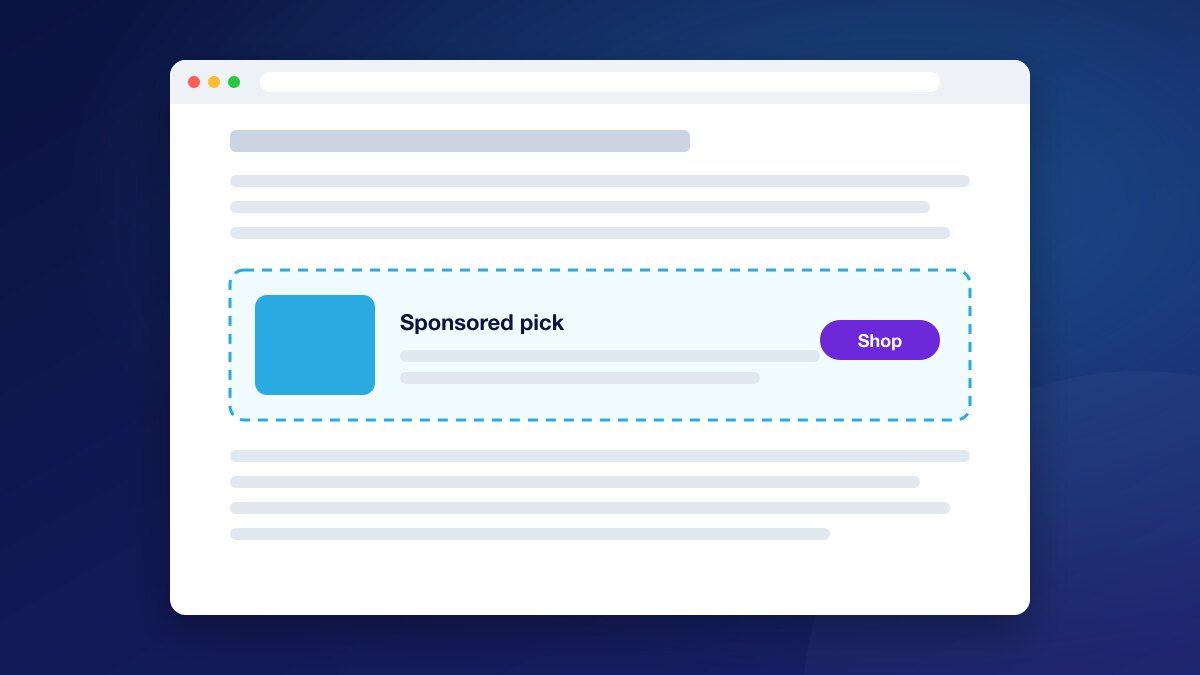
Div Insertion
Place any message, offer, link or banner exactly where you want it on the page, and show it only to the right readers.
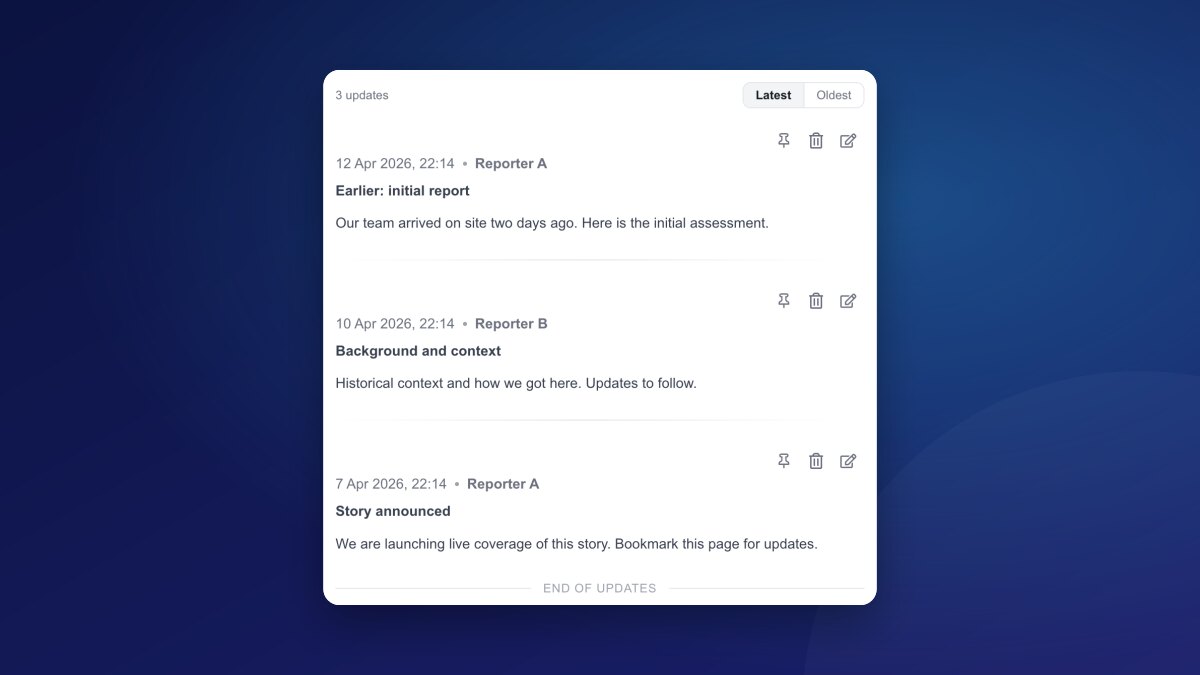
Live Blog for News
Cover breaking news and live events with real-time updates, rich embeds and ads, ready for Google Top Stories.
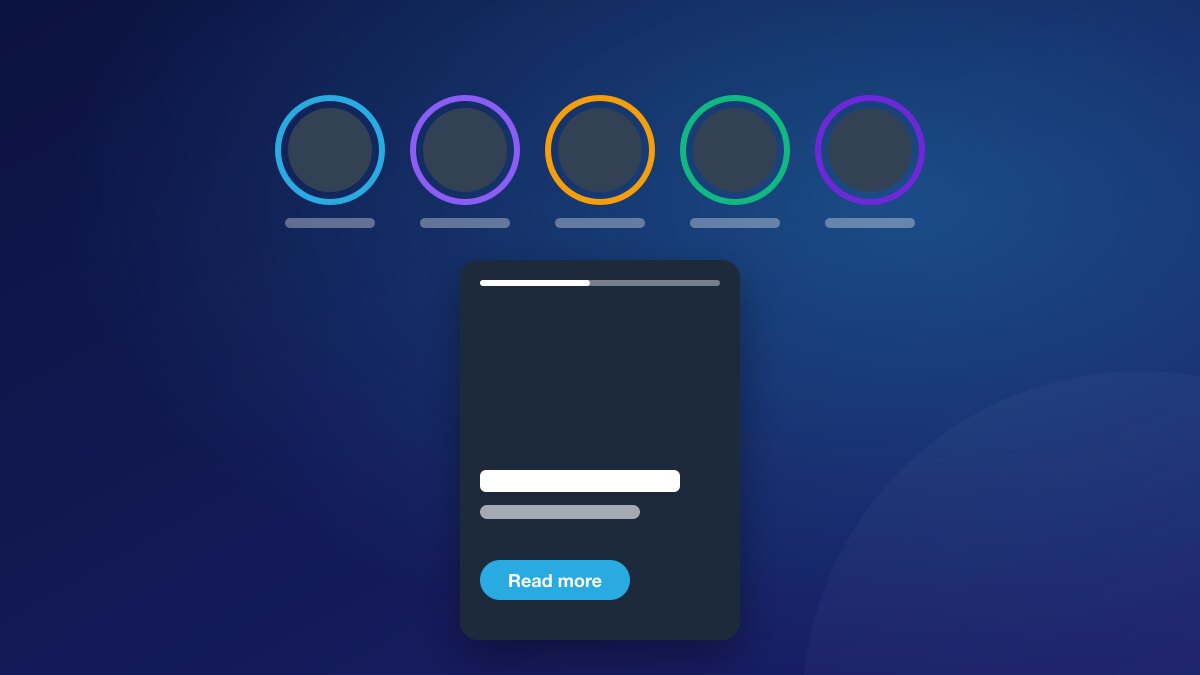
Story
A tap-through story card that shows recommended articles and your own calls to action, keeping readers exploring your site.
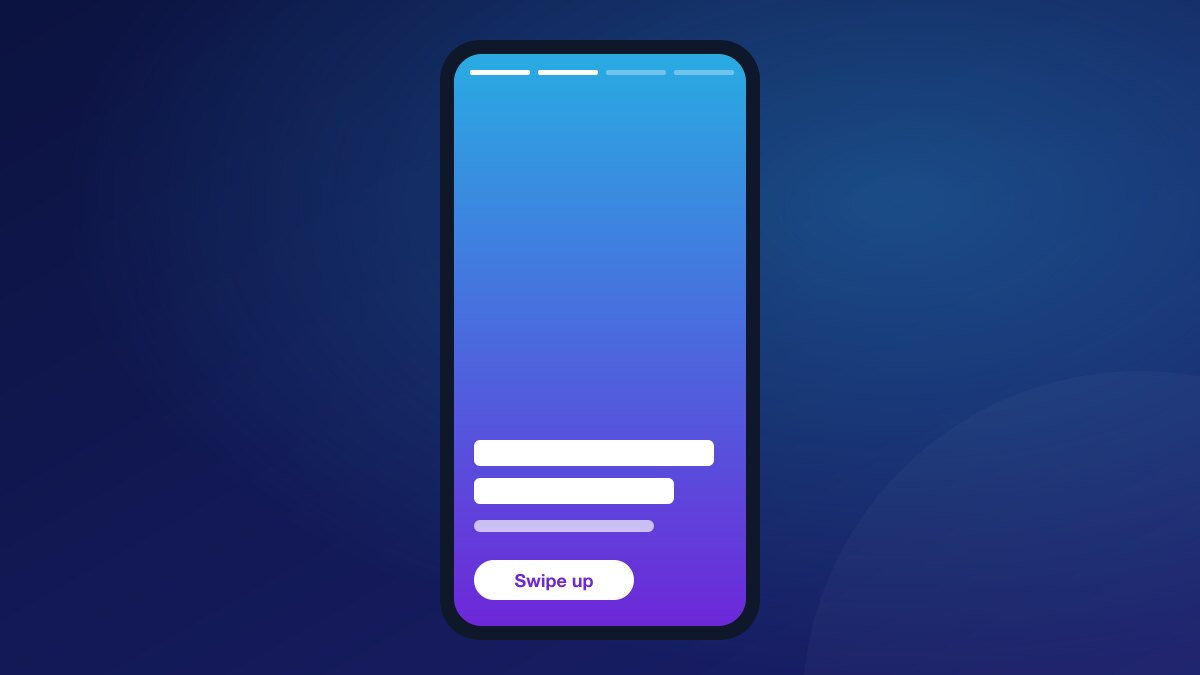
Webstory
A story rail and full-screen player with image, video and quiz slides, bringing visual storytelling to your pages.
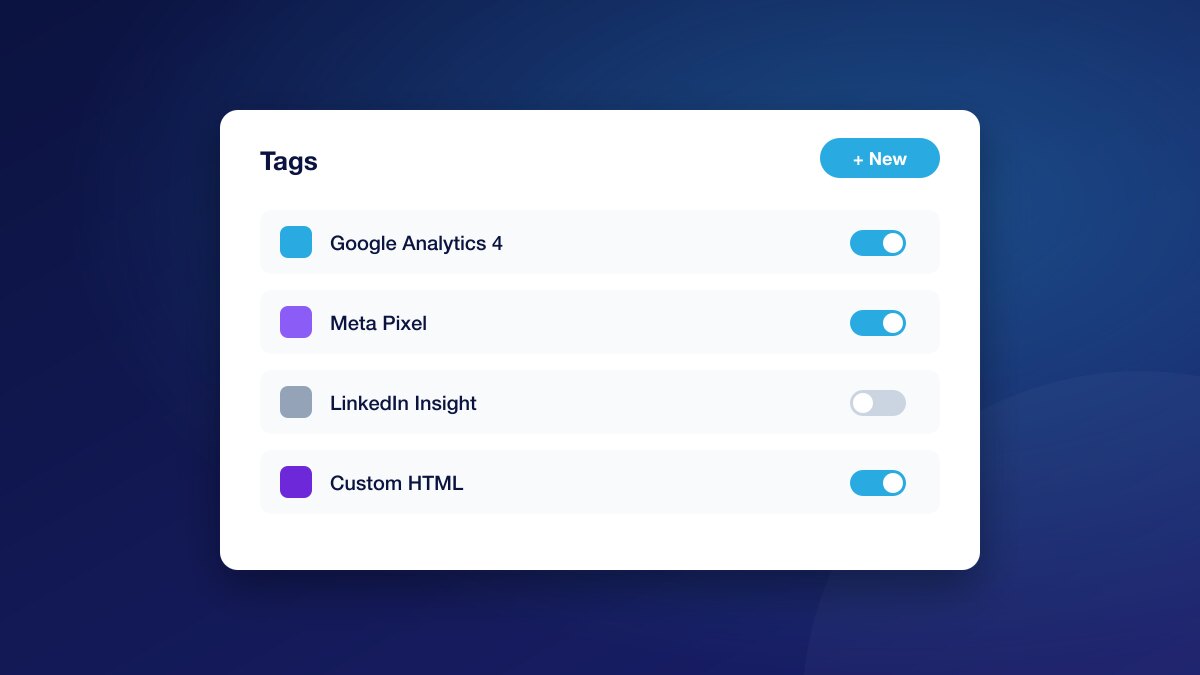
Tag Manager
Load your marketing, analytics and partner tags only on the pages and for the readers that need them.
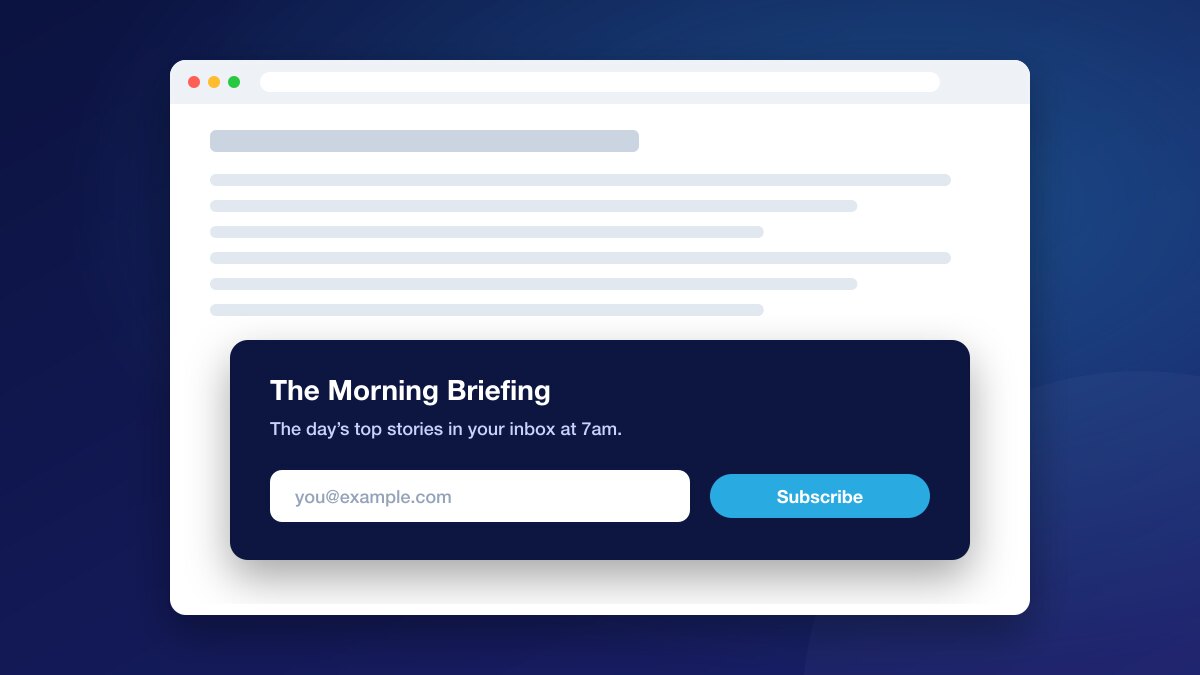
Email Subscription
Invite readers to sign up to your newsletters in the article, and grow lists that bring them back.
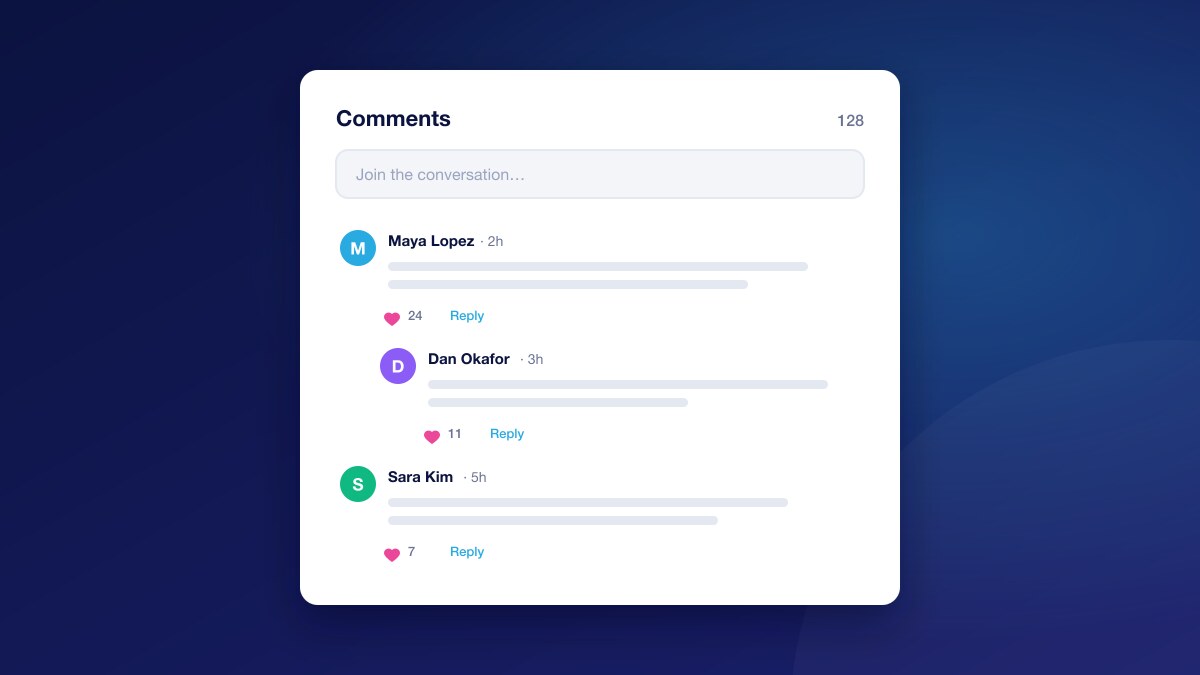
Comments
Give readers a place to discuss your stories, with replies, likes, reporting and moderation tools for your team.
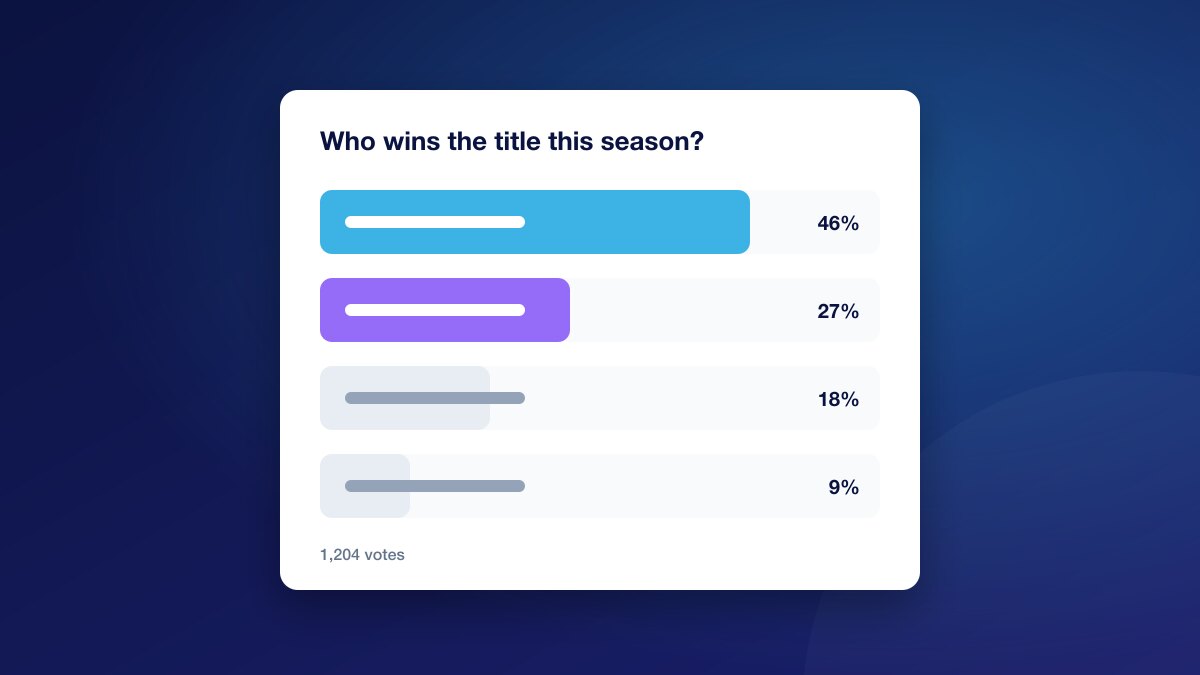
Poll Maker
Ask readers a question and let them vote in the article, turning passive reading into participation.
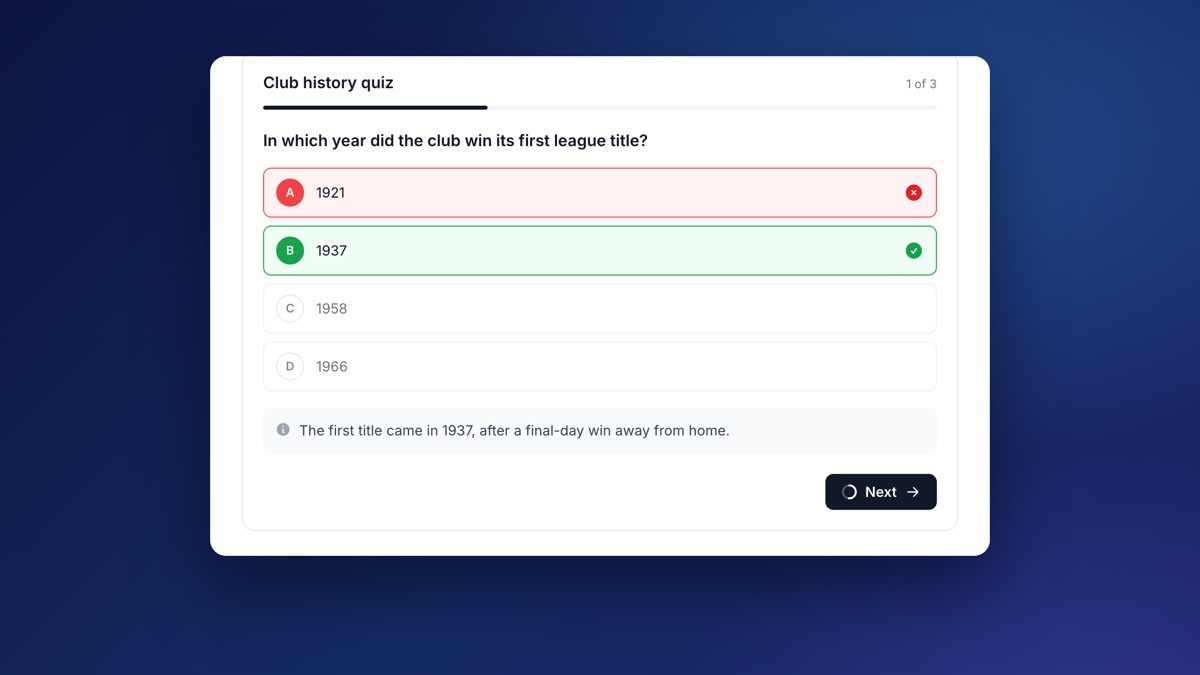
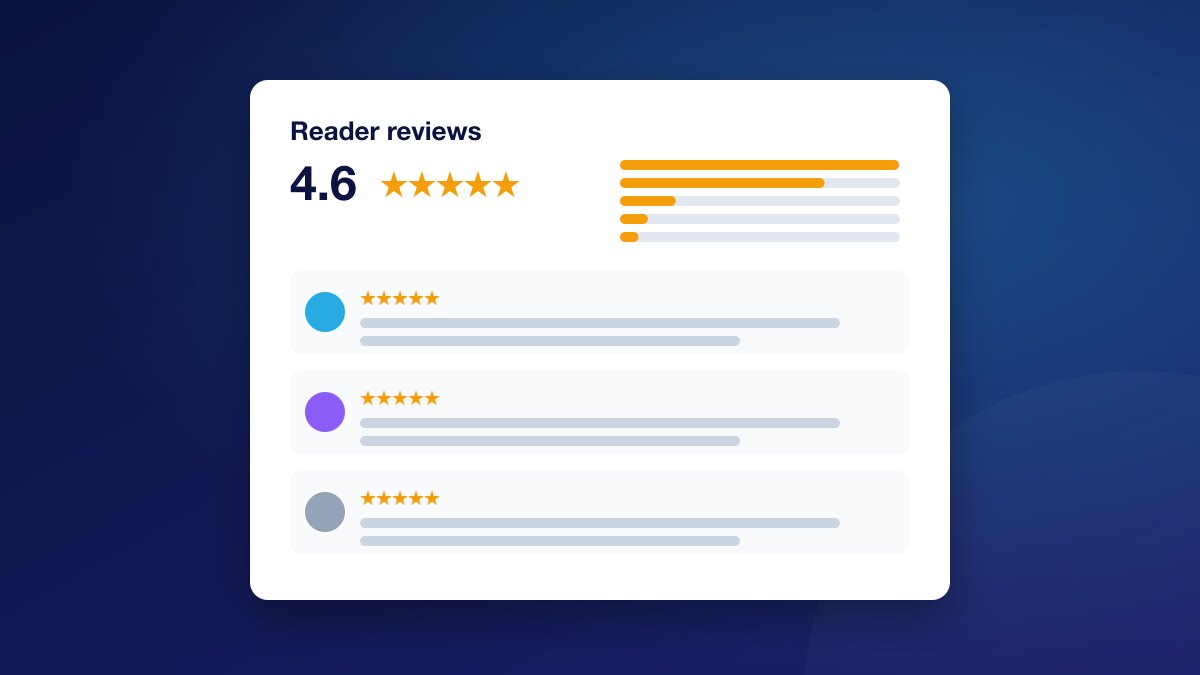
Reviews
Let readers rate and review what you publish, with an at-a-glance score, star filters and your replies shown in place.
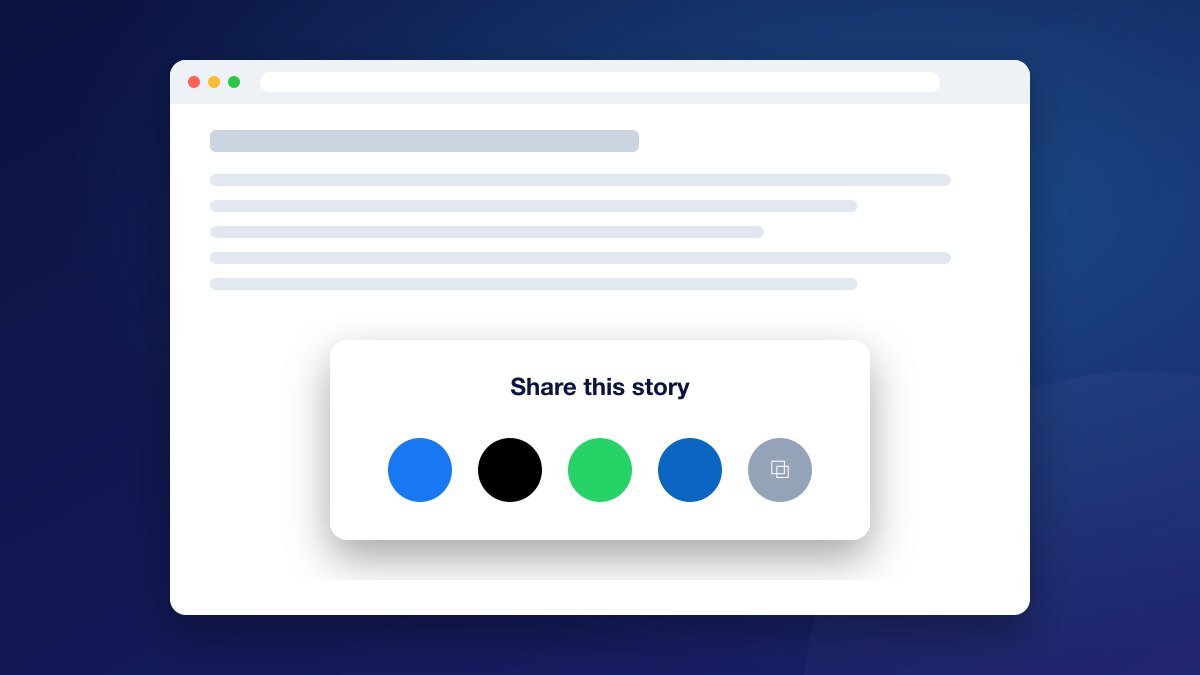
Share
Add clean social share buttons to your articles, for only the networks you choose, with share traffic tagged for your analytics.
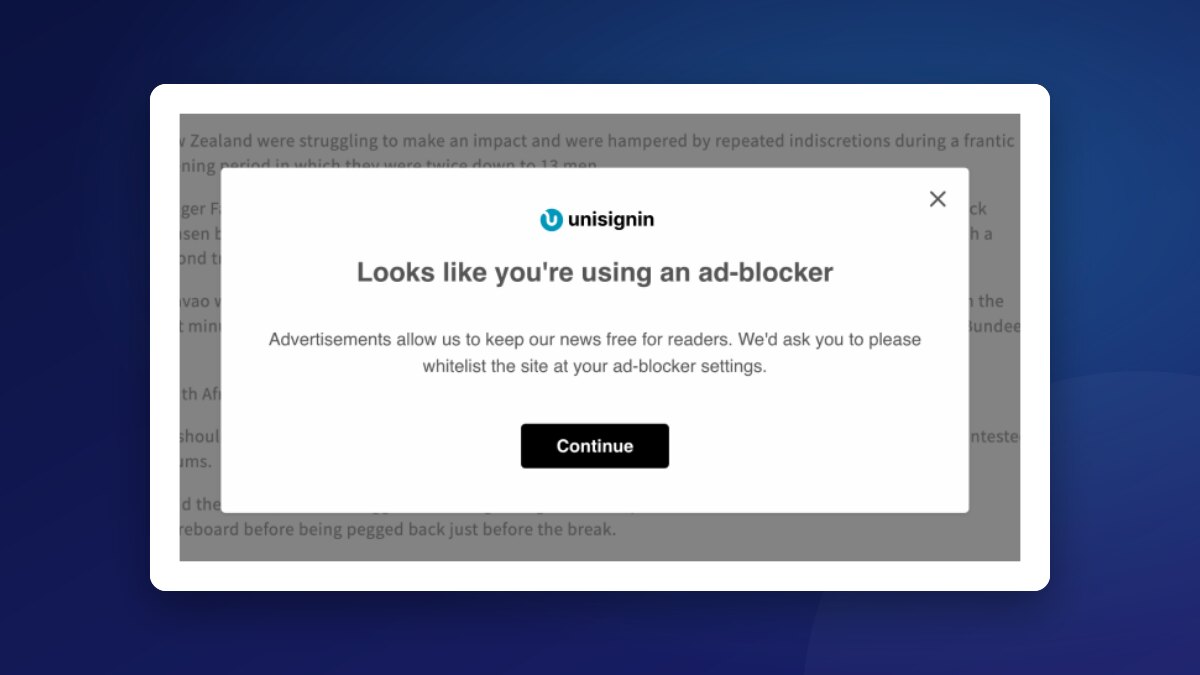
Adblocker Recovery
Ask readers who block ads to allow your site, with clear steps for their ad blocker, and offer a subscription as an alternative.
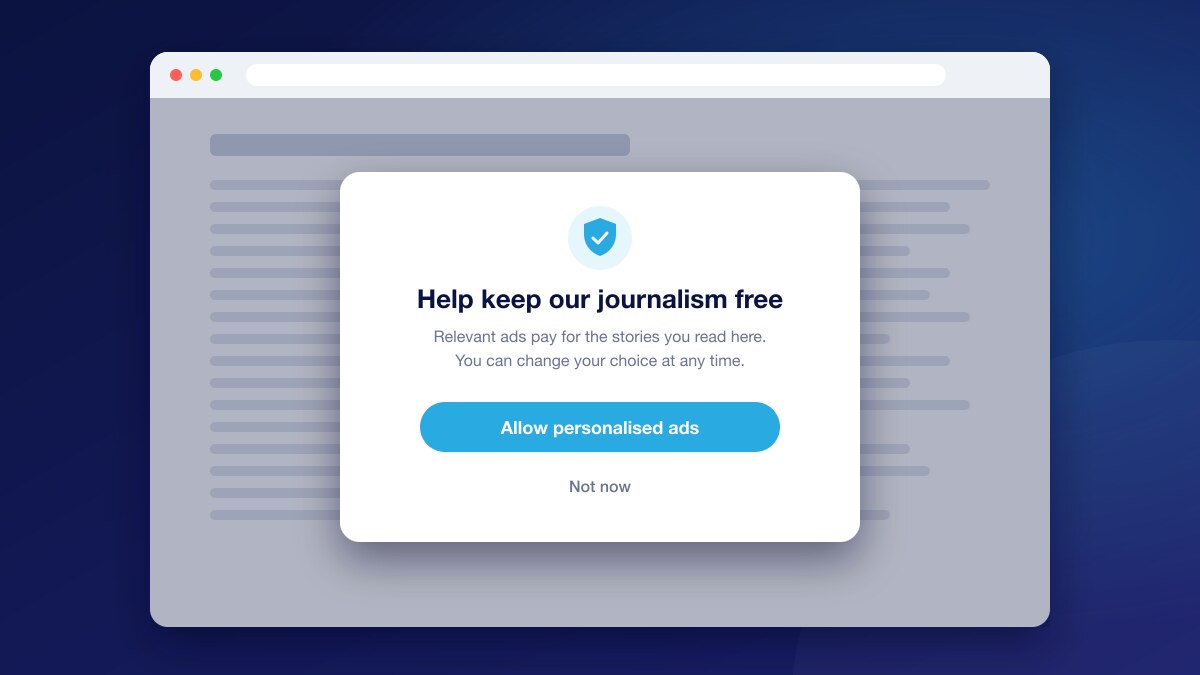
Consent Recovery
Give readers who declined personalised ads a clear, fair reason to reconsider, and raise your consent rate without dark patterns.
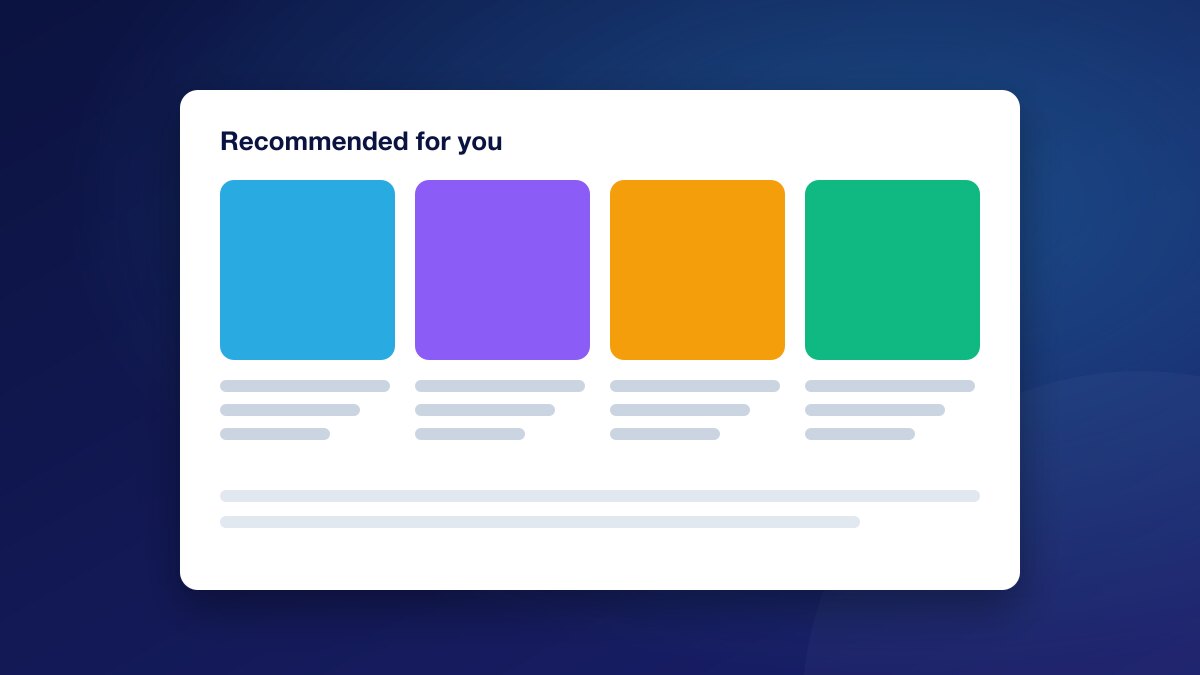
Content Recommendation
Keep readers on your site with recommended stories that match what they are reading, in layouts that fit your pages.
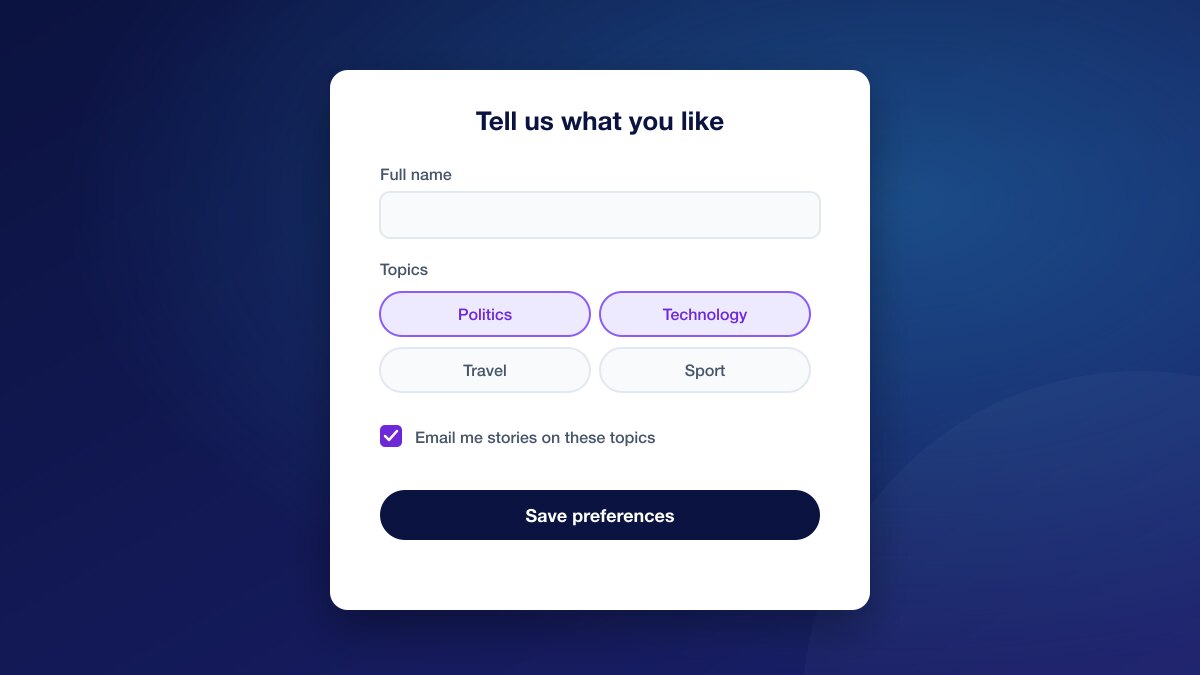
Data Form
Collect the first-party data you need, such as interests, preferences or contact details, with no-code forms shown at the right moment.
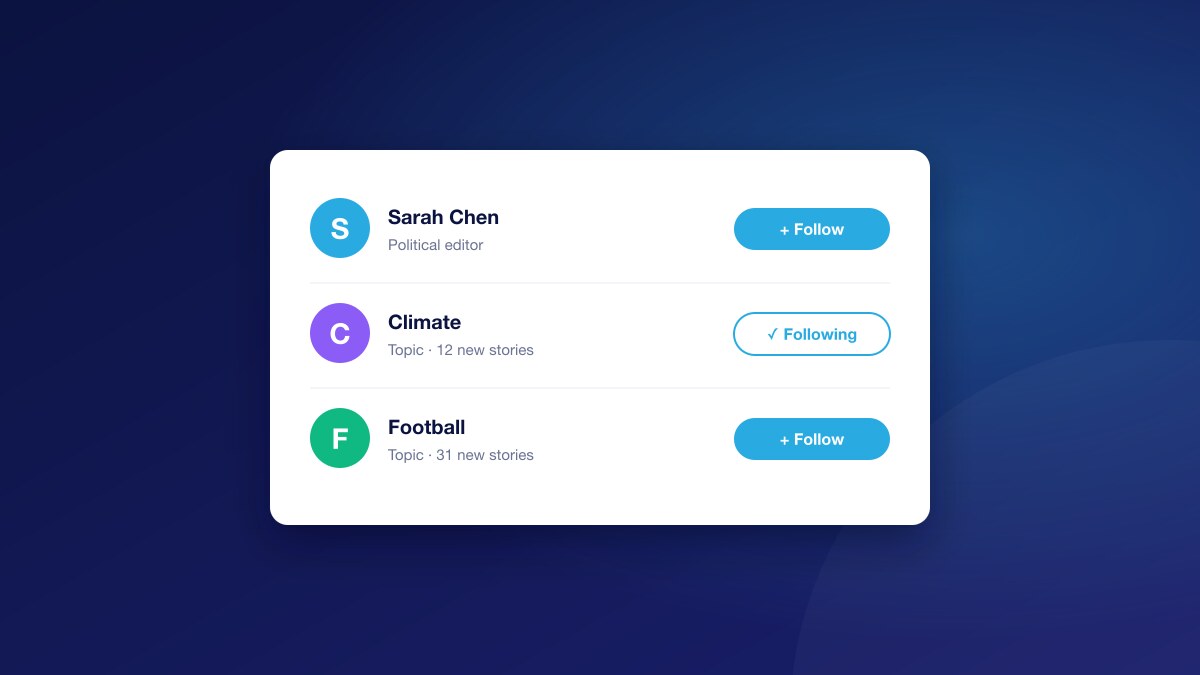
Follow Button
Let readers follow the topics they care about in one click, and use what they follow to personalise their experience.
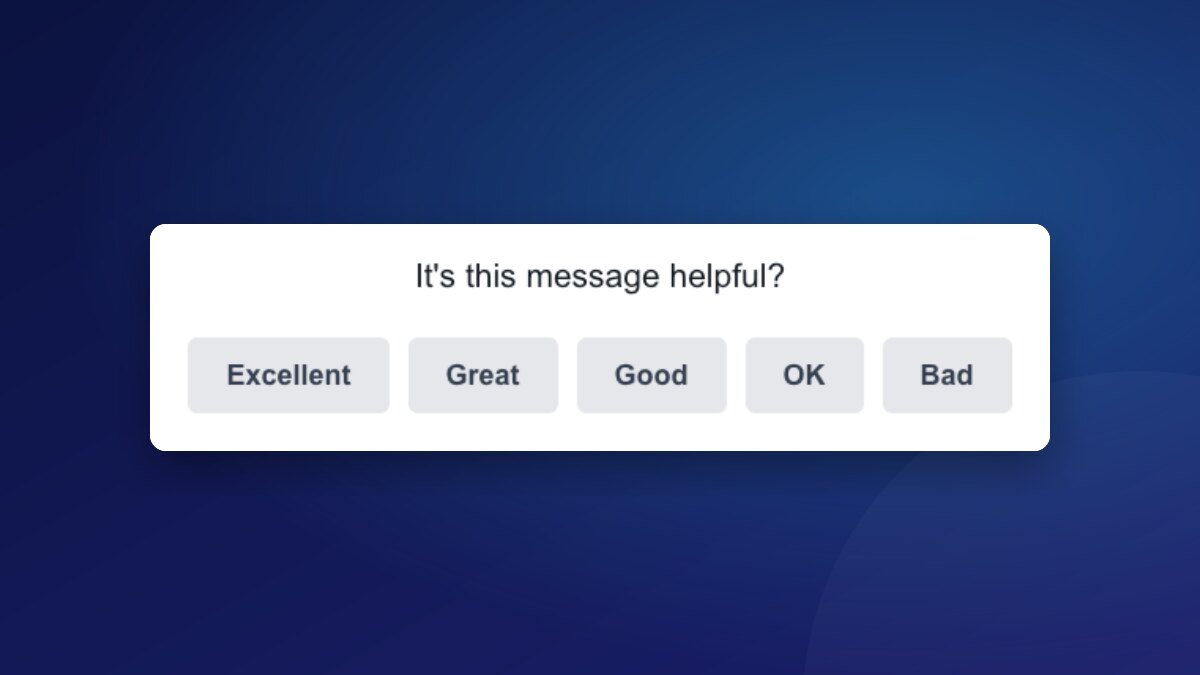
User Feedback
Ask readers whether a page helped them, or ask your own question, and save every answer to their profile.
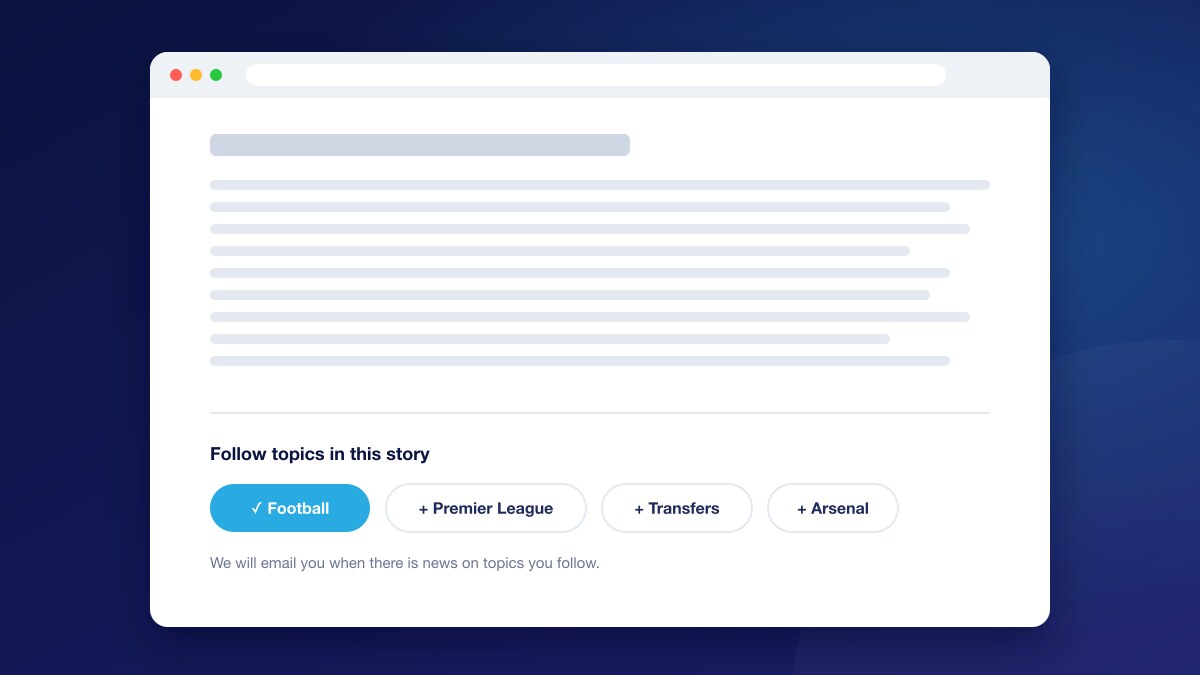
Topic Keyword
Turn topic tags on your articles into follow buttons, so readers can follow a subject right where they see it.
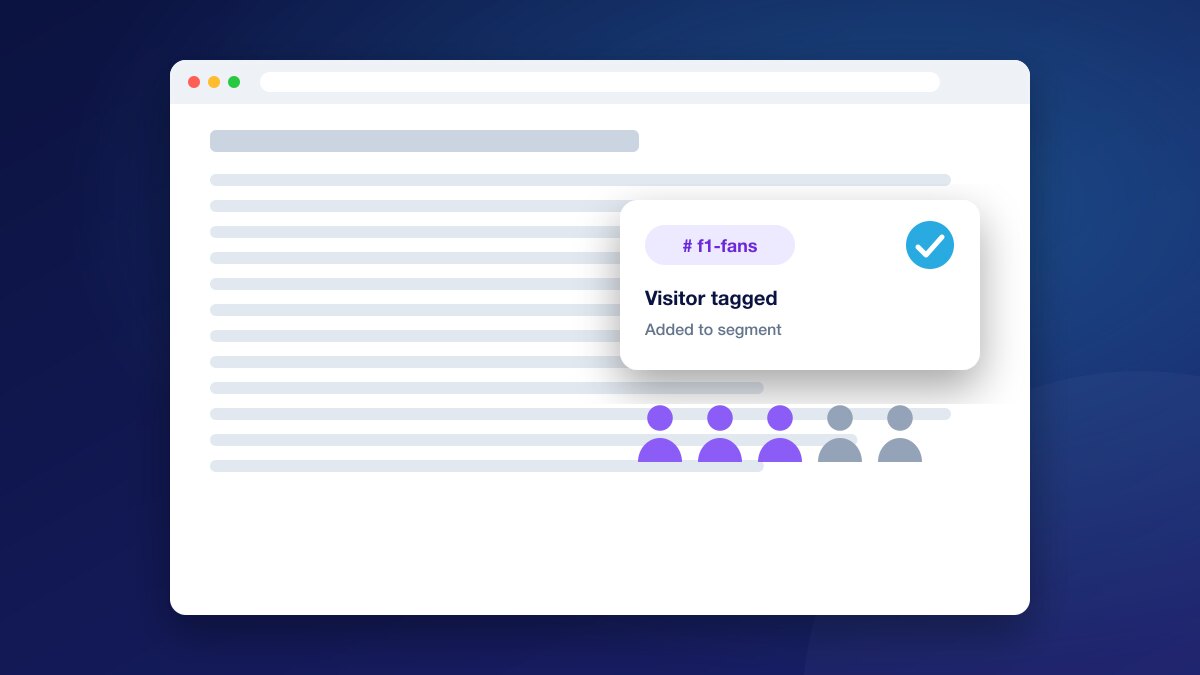
Segment Tag
Tag readers by the pages they read, with nothing shown and no click needed, and use the tag in segments, targeting and ad audiences.
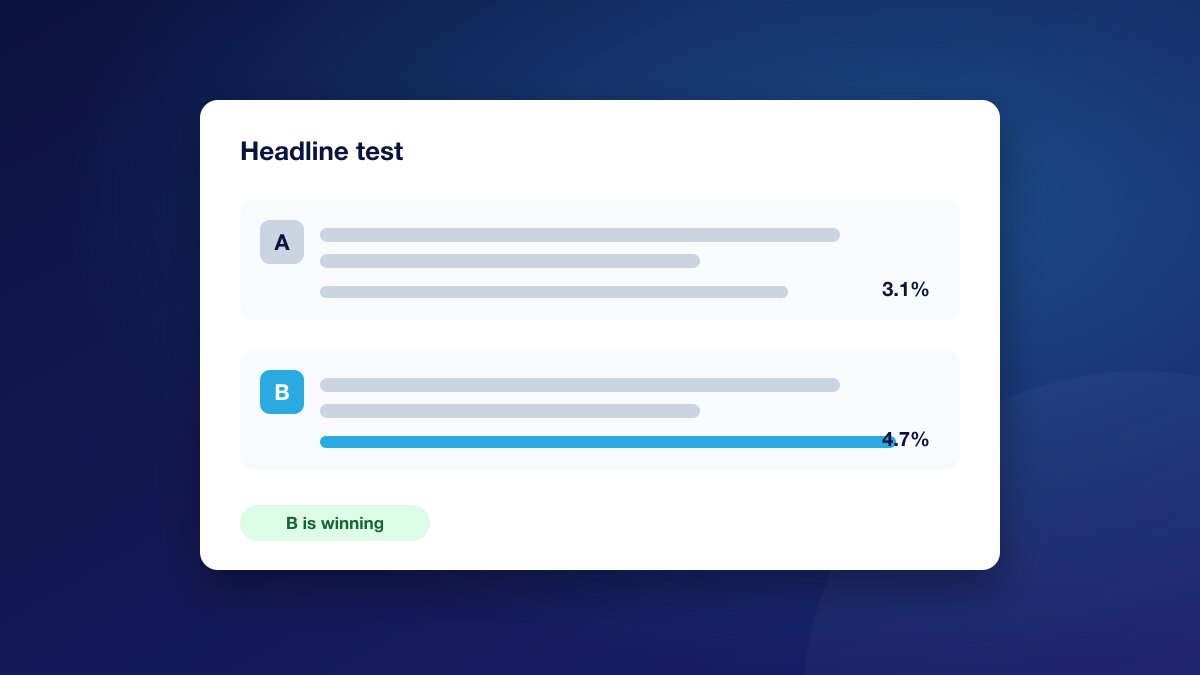
Title Optimizer
Test headline versions on your pages and keep the ones readers click most, without editing each story by hand.
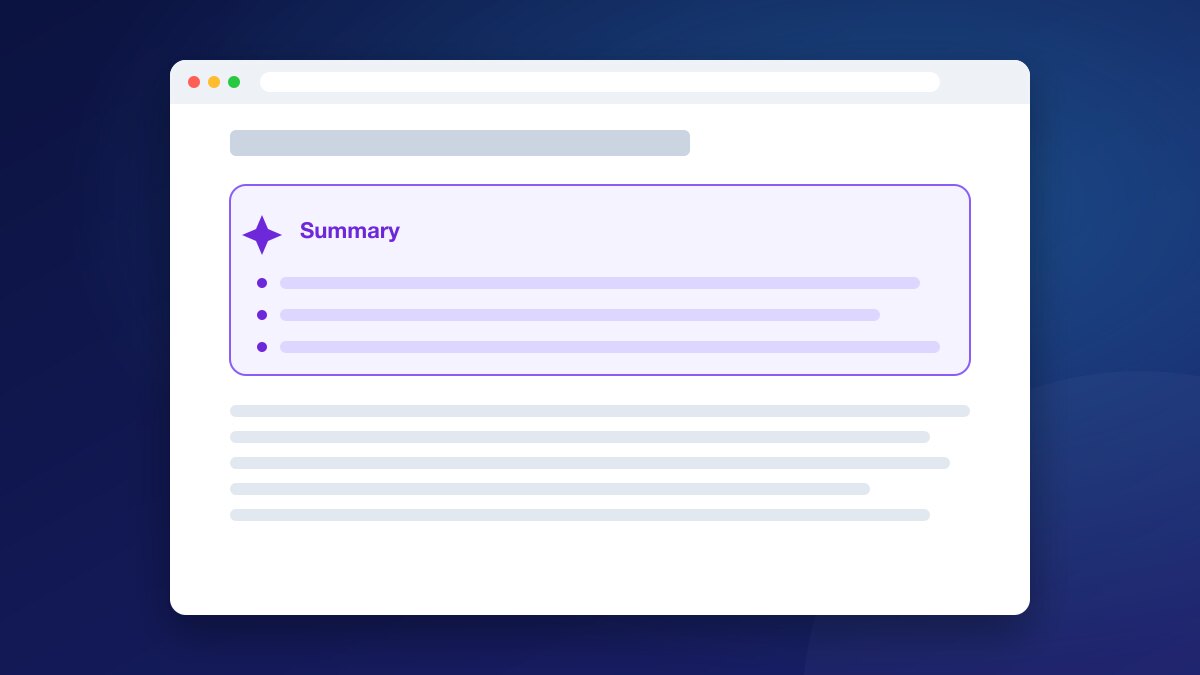
AI Summary
Give readers a short AI-written brief of the article at the top of the page, so they get the key points quickly and keep reading.
Frequently Asked Questions
Stay ahead in first-party data
Identity, consent, audience, and subscription insights for publishers. A few emails a month, no spam.